---
title: "Edit HTML or Code in Plesk"
source: "https://docs.nexcess.com/hosting/control-panel/plesk/file-management/edit-html-or-code-in-plesk/"
description: "While you can use any text editor you like (Sublime, Notepad++, and Vim are a few examples), you have the ability to edit html and code within Plesk using the F…"
vertical: "Hosting"
date: "2024-03-04"
last_modified: "2026-07-22"
---
# Edit HTML or Code in Plesk
While you can use any text editor you like (Sublime, Notepad++, and Vim are a few examples), you have the ability to edit html and code within Plesk using the File Manager. This includes ones already uploaded or files just recently created.
1. First, [upload](https://www.liquidweb.com/help-docs/uploading-files-in-plesk/) or [add files](https://www.liquidweb.com/help-docs/adding-files-and-folders-in-plesk/) you want to edit using the File Manager utility.
| ### **Warning:** If the document you’re creating or editing is to be seen from your website, make sure your file is uploaded in the httpdocs directory of Plesk. |
|---|
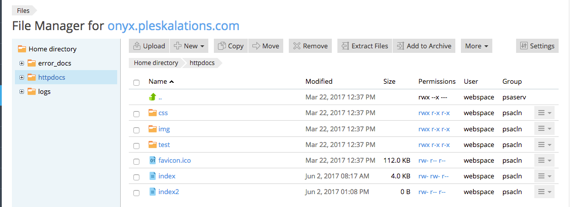
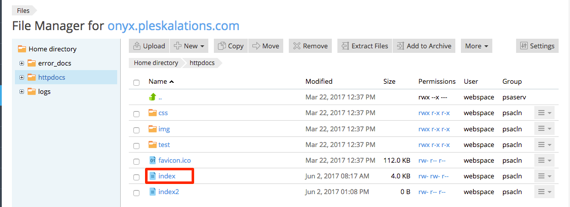
2. Next, click on the file name you wish to edit.
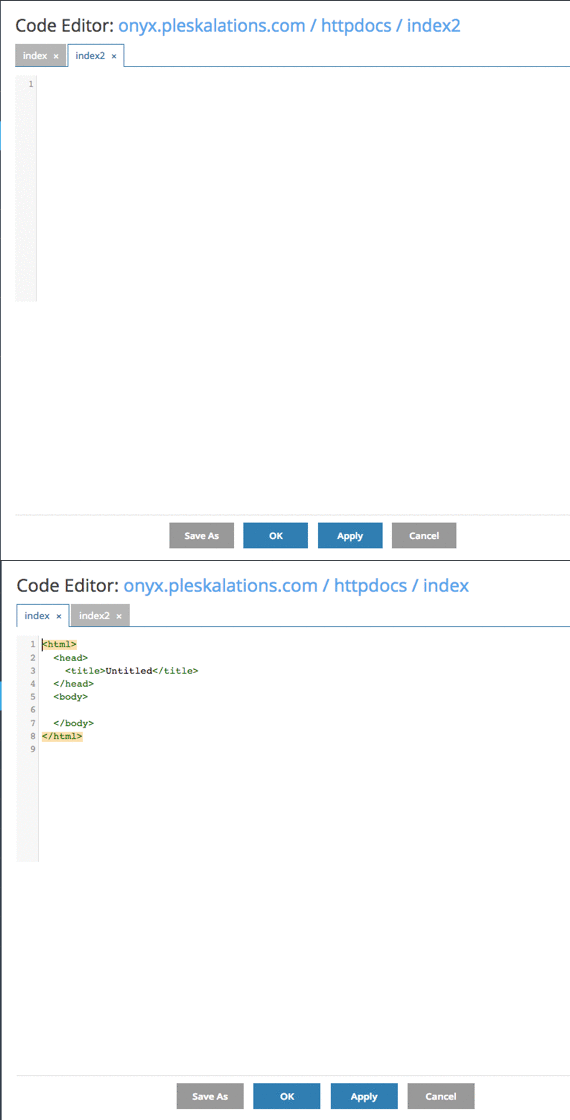
3. This will open the **Code Editor** and you can input or edit the code.
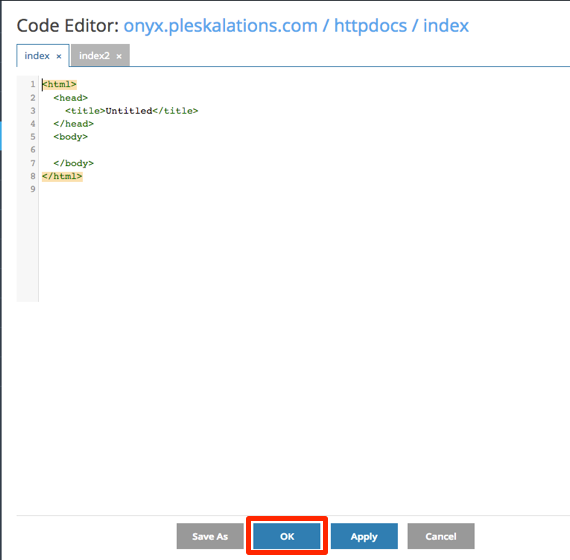
4. Click **OK** at the bottom of the page to save your code and be directed back to the File Manager home page.
5. You can now test your site to verify that the file was edited correctly.
| ### **Note:** |
|---|
| Liquid Web Support does not include content management, coding or designing for your websites. We may also direct you to a better resource for your issue, such as Plugin Developer, Designer, Software Author etc. You can read more about our covered services in our article [Management and Support Levels](https://docs.nexcess.com/hosting/portal/support-center/management-and-support-levels/) |