

Kadence
Ascend – Always Show Mobile Header
To force your mobile header to show in desktop view, add this CSS to Theme Options> Custom CSS:
.kt-header-position-above, .second-nav-container {
display: block;
}

#kad-mobile-banner {
display: block;
height: auto;
}

header#kad-header-menu {
display: none;
}
This CSS may cause issues with certain header configurations.
Default Desktop Header:
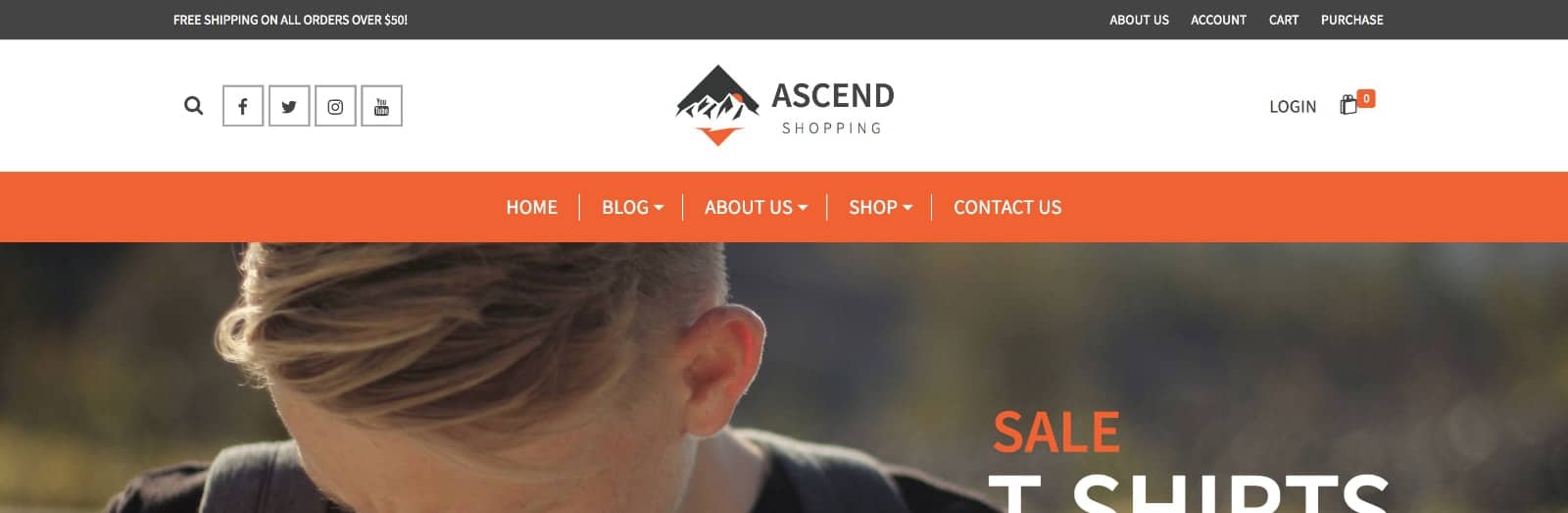
Mobile Header in Desktop:

Filed under
Uncategorized
Was this page helpful?
Thanks for the feedback!