

Multilingual Integration
LearnDash Multilingual Integration
The LearnDash Multilingual Integration add-on allows for greater compatibility between LearnDash and multilingual sites that are using 3rd party plugins for administering multilingual translations.
This add-on should be activated if you want to use the LearnDash Course Builder and Quiz Builder along with a multilingual setup. In addition, this add-on should be activated in order to translate URLs (WPML only).
NOTE: This compatibility add-on is not intended for adding or modifying translation files. Please see the Translation User Guide for information on translations.
Installation
Option 1: Add-ons Menu (requires an active LearnDash license)
- In your WordPress admin area, navigate to LearnDash LMS > Add-Ons
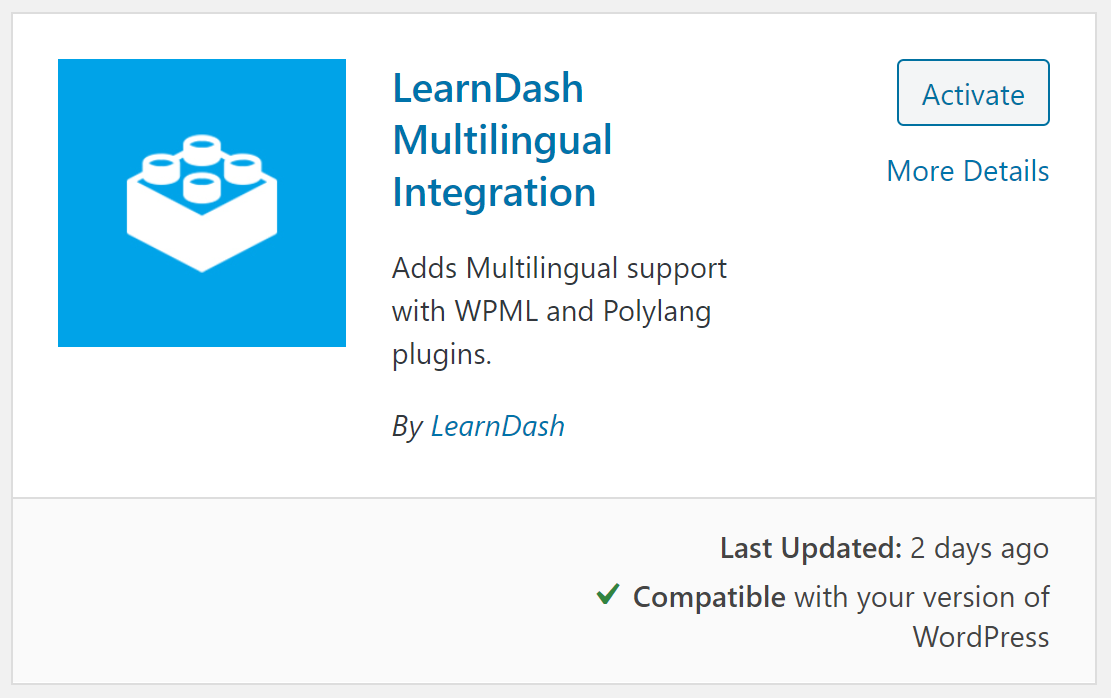
- Locate the LearnDash Multilingual add-on
- Click Install Now
- Click the Activate Plugin button
Option 2: Manual Upload
- Download the plugin file (must be logged in to download)
- In WordPress, navigate to Plugins > Add New
- Click Upload Plugin
- Browse for the
.zipfile you downloaded in Step 1 - Click Install Now
- Click Activate Plugin
Supported Vendors
- WPML – For WPML users, the LearnDash Multilingual add-on enables course and builder compatibility, allowing you to translate courses, lessons, topics, quizzes, and certificates using WPML’s Translation Management workflows and the Advanced Translation Editor. See the provided WPML documentation here.
- Polylang – For Polylang users, the LearnDash Multilingual add-on ensures builder compatibility, but translation management follows standard Polylang workflows. You can review Polylang’s Getting Started Guide for general post and custom post type translation.
FAQ
Does this work with every multilingual plugin?
Was this page helpful?
Thanks for the feedback!