

Peer-to-Peer Fundraising
Introducing Peer-to-Peer Fundraising
What Is Peer-to-Peer Fundraising?
Peer-to-Peer Fundraising is an add-on for Give that turns your supporters into fundraisers. In short, it lets people create their own fundraising pages, form teams, and ask their friends and family to give to your cause.
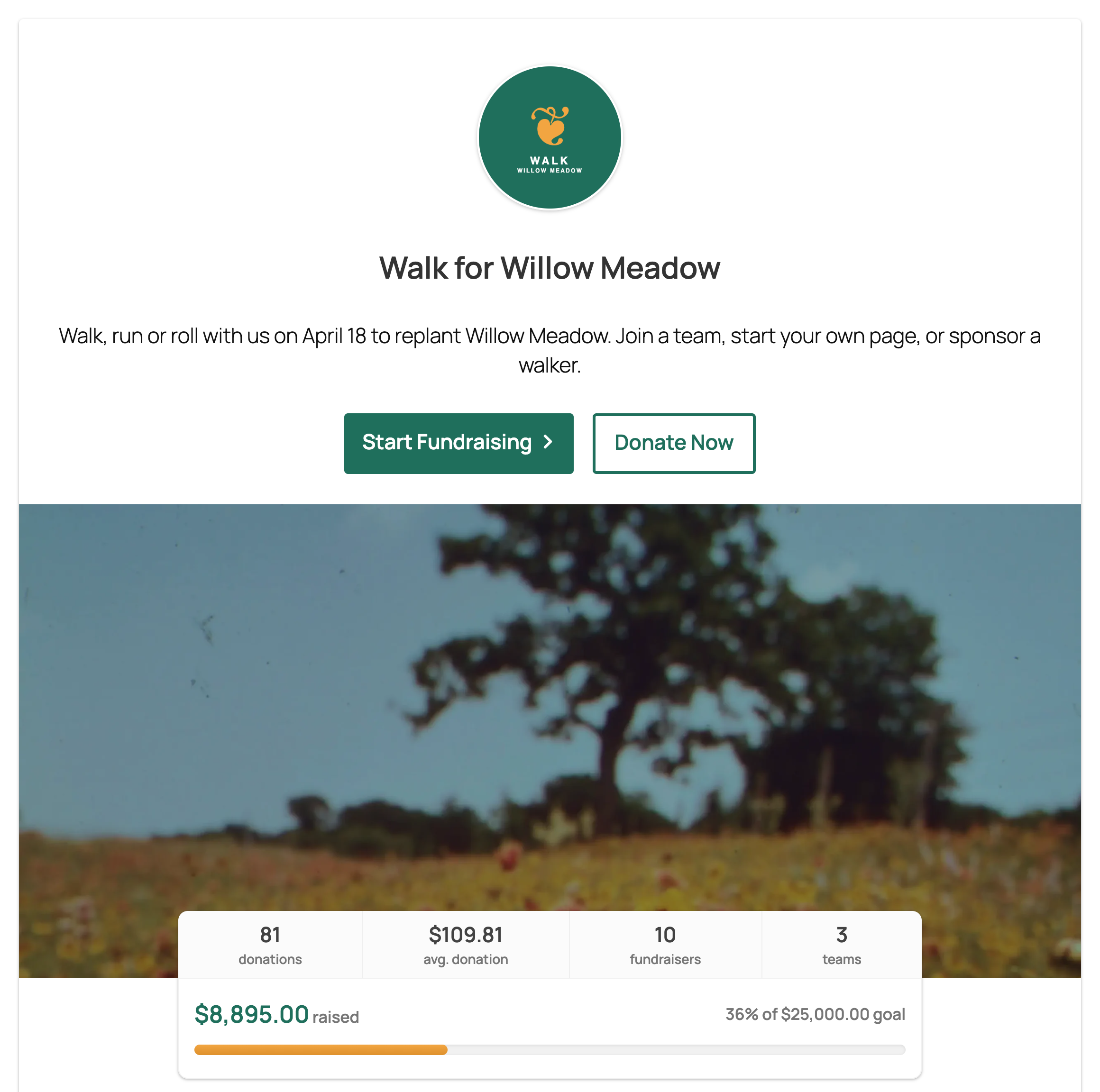
Each Peer-to-Peer campaign gets its own campaign page with a goal, a progress bar, and buttons to start fundraising or donate. Every gift counts toward the same campaign goal, whether it comes through a fundraiser’s page, a team page, or the campaign page itself, so you can watch the total grow in one place.
Why Use Peer-to-Peer Fundraising?
Your supporters already know people who care about the same things they do. Peer-to-Peer Fundraising gives them the tools to ask. Here’s what it can do for your organization.
Reach Donors You Can’t Reach on Your Own
People are more likely to give when someone they know asks them. When a supporter shares a personal fundraising page, your cause reaches their coworkers, classmates, neighbors, and family, many of whom would never have found your website on their own. Supporters who can’t give much themselves can still make a big difference by recruiting others to give.
Let Supporters Sign Up on Their Own
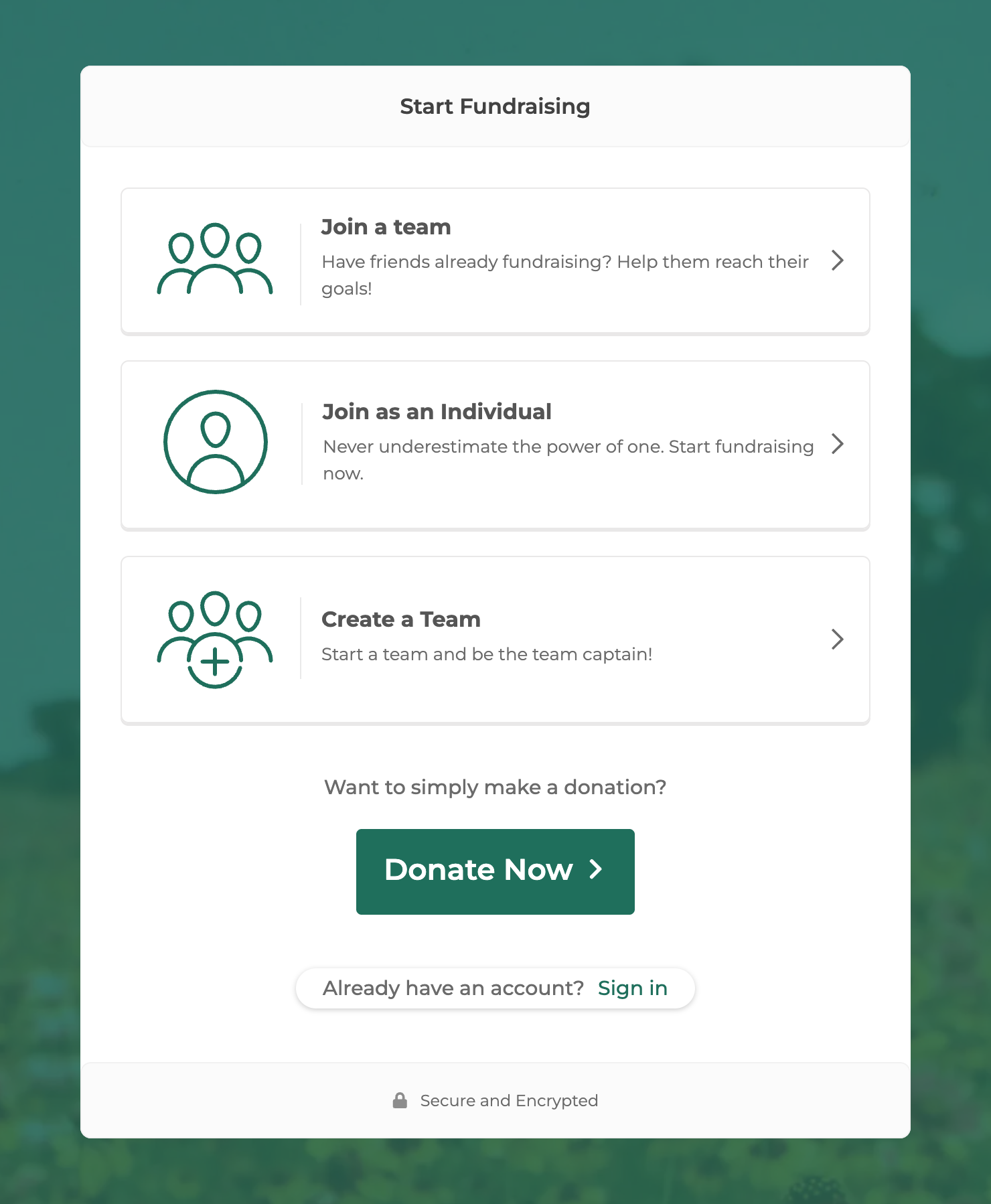
You don’t have to build a page for every fundraiser. Supporters click Start Fundraising on your campaign page and choose to join a team, fundraise as an individual, or create a team and lead it as captain. They write their own story, add a photo, and set a personal goal, and their page is ready to share in minutes. You stay in control: you can require approval before new teams or fundraisers appear on your site.
Motivate with Goals and Friendly Competition
Every fundraiser and team has a goal and a progress bar, and your campaign page shows leaderboards of the top teams and top fundraisers. Rankings turn fundraising into a friendly competition that keeps people sharing until they reach their goal. Team totals include every gift made to the team’s members, so everyone’s effort shows. If competition doesn’t suit your campaign, you can turn team rankings off.
Unlock New Possibilities
Peer-to-Peer Fundraising also includes tools for events and larger campaigns:
- Registration fees. Charge fundraisers a fee when they sign up to help cover event costs such as T-shirts or permits. Fees are paid securely through Stripe.
- Sponsors. Display sponsor logos on your campaign page, or on every team and fundraiser page, and add a button that invites other businesses to become sponsors.
- Custom registration fields. Ask fundraisers for the details you need when they sign up, such as a T-shirt size or an emergency contact.
- Reusable campaigns. Duplicate last year’s campaign, including its settings and donation form, to get your next event running quickly.
Common Use Cases
Use Case 1: A Walk, Run, or Ride Event
Scenario: Your organization hosts an annual charity walk. Participants sign up on paper, collect pledges on printed forms, and turn in cash on event day, and your staff spends weeks adding it all up.
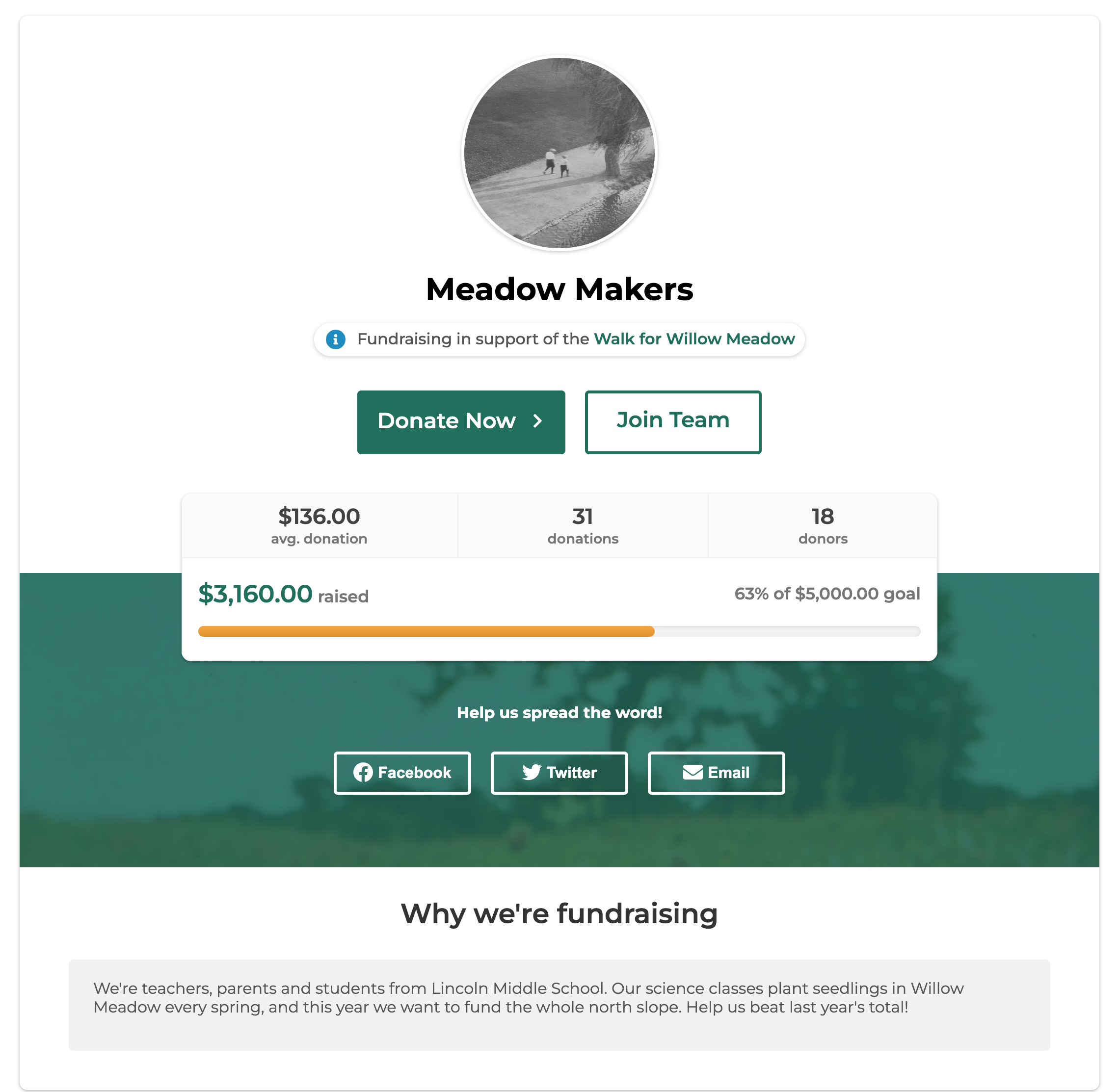
Solution: Create a Peer-to-Peer campaign for the walk. Participants register online, pay a registration fee if you charge one, and join or create a team. Each team gets its own page with a goal, a story, and share buttons, and friends and family donate online. Team and individual totals update with every gift, so you know who has raised what long before event day.
Use Case 2: Birthday and Milestone Fundraisers
Scenario: A supporter wants to ask for donations instead of birthday gifts, or to raise money for your cause while training for a marathon. They need a page to share and a way to show their progress.
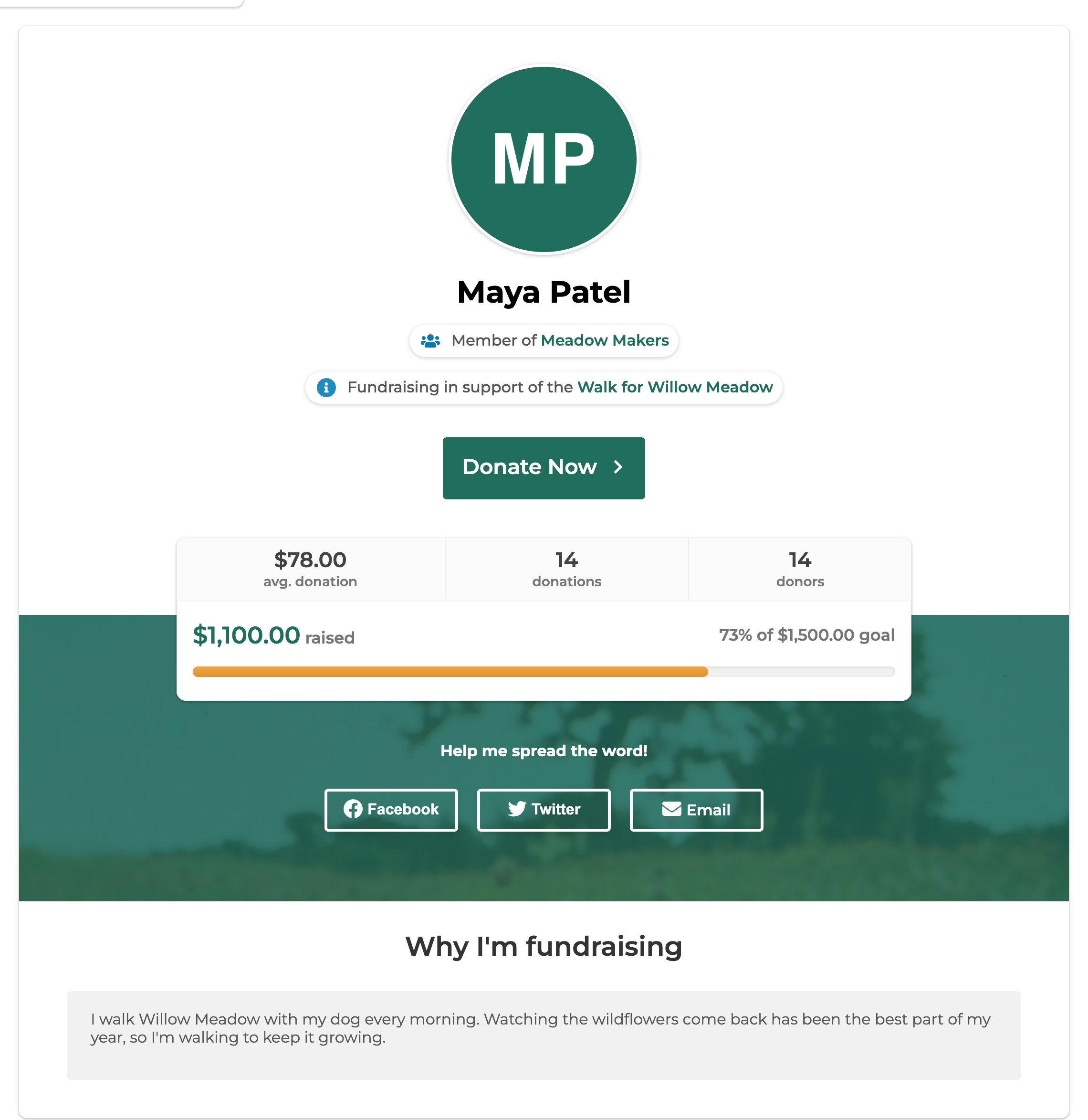
Solution: The supporter chooses Join as an Individual and creates a personal fundraising page with their story, photo, and goal. They share it by email or on social media, every gift appears on their page as it comes in, and they can choose to get an email for each new donation. Every dollar they raise counts toward your campaign goal too.
Use Case 3: A School, Workplace, or Congregation Challenge
Scenario: You want local schools, companies, or congregations to compete to raise the most for your cause, but keeping track of each group’s total takes too much time.
Solution: Each group creates a team, and its captain invites members by email. The leaderboards on your campaign page rank the top teams and top fundraisers by how much they’ve raised, so every group can see where it stands and has a reason to keep going.

Use Case 4: A Campaign with Local Business Sponsors
Scenario: Local businesses want to support your event and be recognized for it, and you’d like to offer them something in return.
Solution: Add your sponsors’ logos to the campaign. They appear on the campaign page and, if you choose, on every team and fundraiser page, so sponsors are seen by every visitor your fundraisers bring in. A Become a Sponsor button can send other businesses to a page where they can get in touch.

Pro Tip: Let Donors Cover the Fees
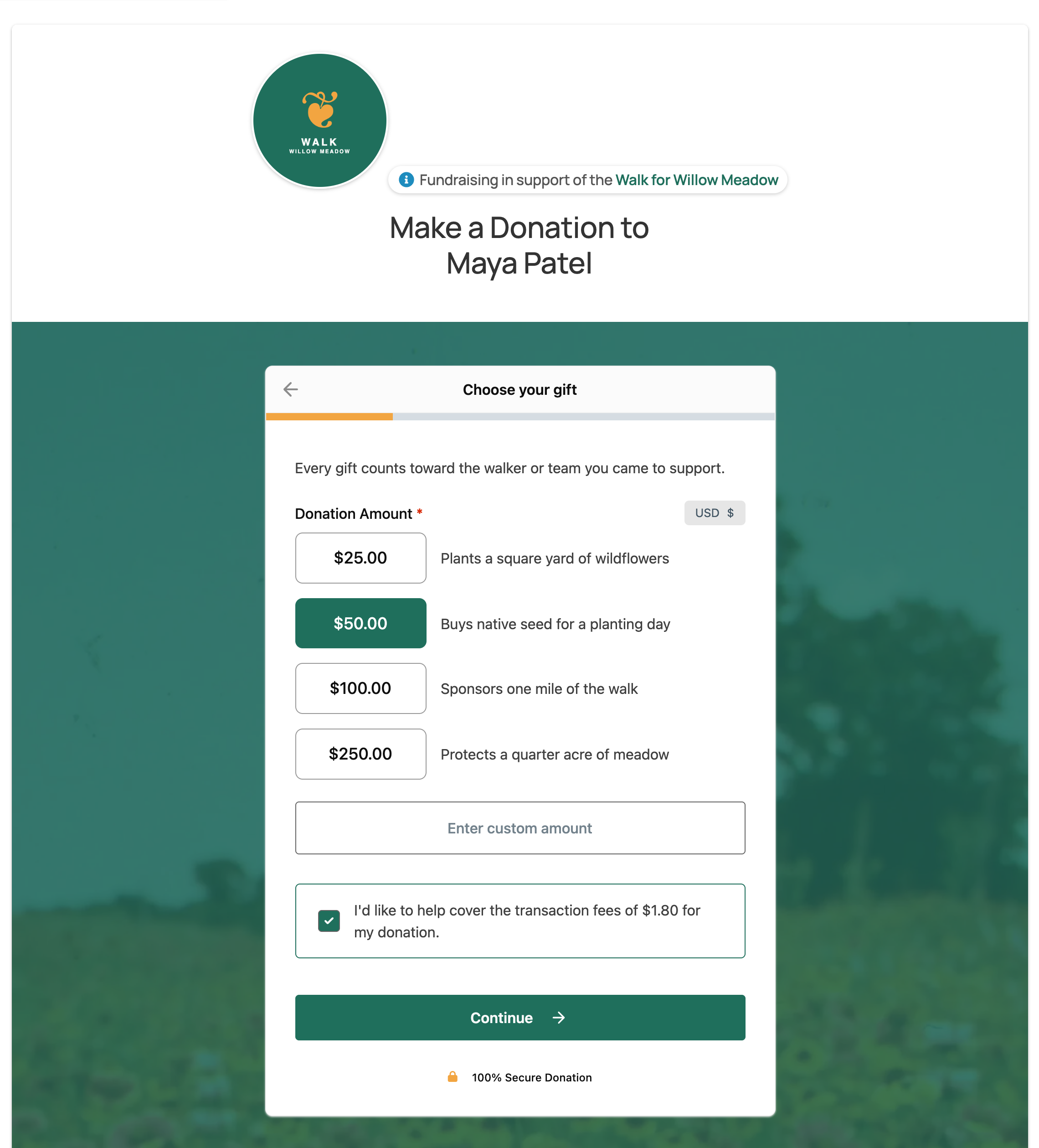
Every Peer-to-Peer campaign collects gifts through a regular Give donation form, so you can add other form features to it. Pair Peer-to-Peer Fundraising with the Fee Recovery add-on, and donors can choose to cover the processing fee on their gift. Your organization keeps more of every donation, and fundraiser and team progress bars still count only the gift itself, so goals stay accurate.
Note: Fee Recovery is a separate add-on for Give.
Ready to Get Started?
To learn how to set up a Peer-to-Peer campaign, see our setup guide: Setting Up Peer-to-Peer Fundraising.
You might also find these articles helpful: