

Kadence
Ascend – Change Typed Text Font
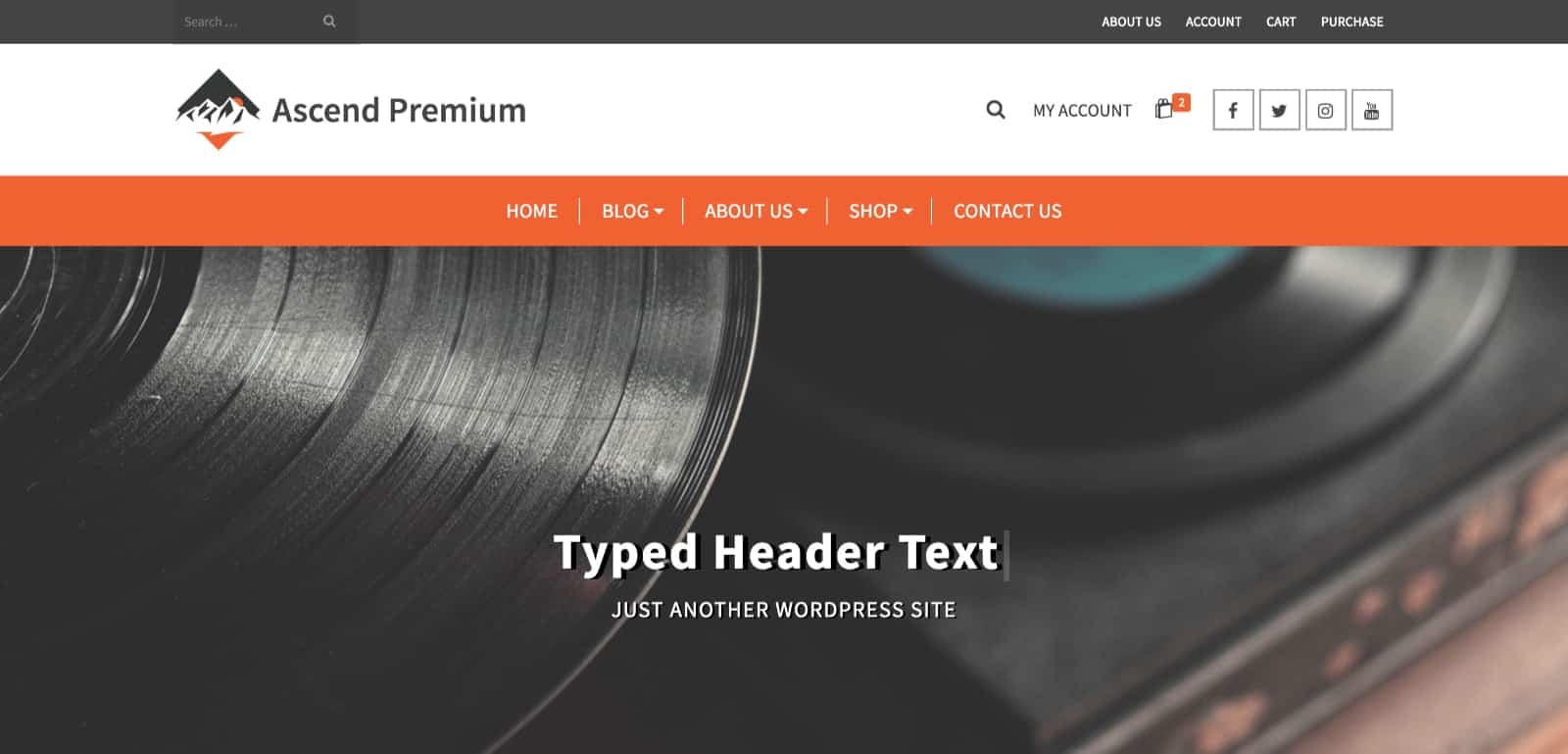
To just remove the uppercase text transform, add this CSS to Theme Options> Custom CSS:
.kt_typed_element {
text-transform: none;
}
Add more font properties as desired like this:
.kt_typed_element {
text-shadow: 5px 1px 0px black;
text-transform: none;
}
If you wish to change the font for the subtitle, you can target with this CSS:
.home .titleclass .subtitle {
text-shadow: 2px 1px 0px black;
}
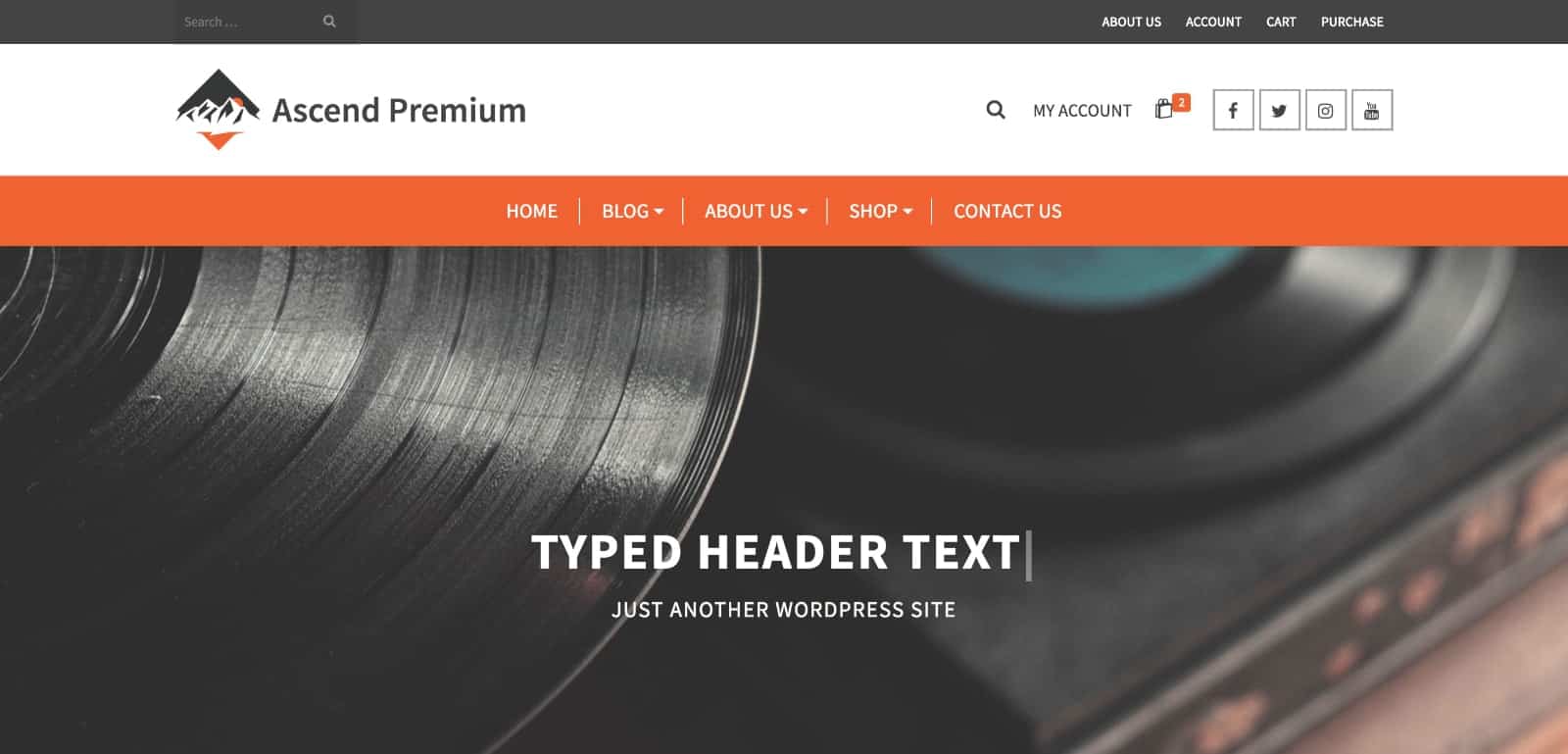
Default Desktop Header:
Mobile Header in Desktop:
Filed under
Uncategorized
Was this page helpful?
Thanks for the feedback!