

Kadence
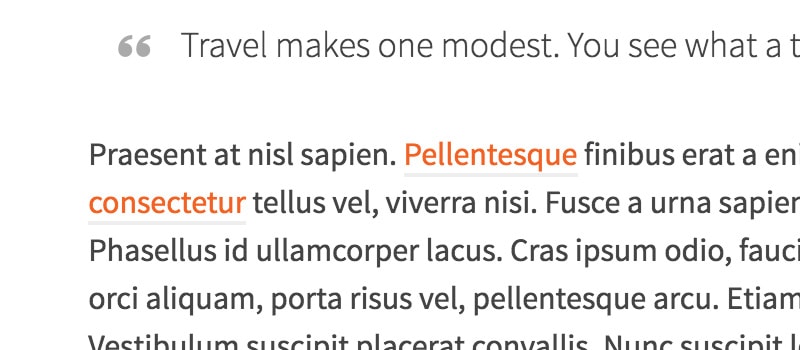
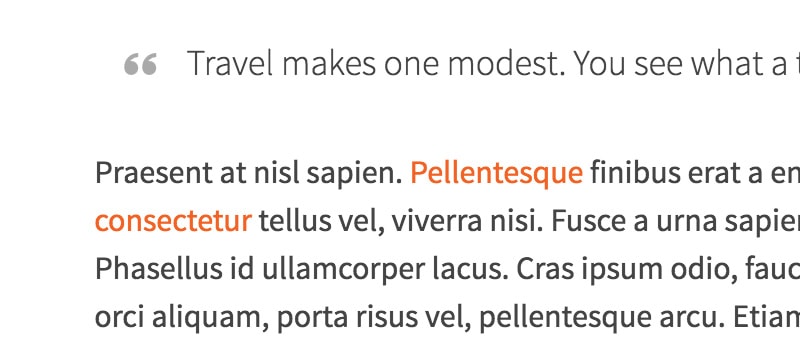
Part of the Ascend Theme styling includes an underline border on all links within the content area of a page. To remove this you can add this CSS to Theme Options> Custom CSS:
[css].comment-content a:not(.button),
.entry-content p a:not(.button):not(.select2-choice):not([data-rel=lightbox]) {
border: 0;
}
[/css]
Side by side comparison: