

Kadence
Link Two Posts or Pages Using the Classic Editor
If you want to add a link within your current post to another post, or any other place on the web, you can do so by first obtaining the URL of the page you’d like to link:
Click the link button on above the editor:

Configure your link details:
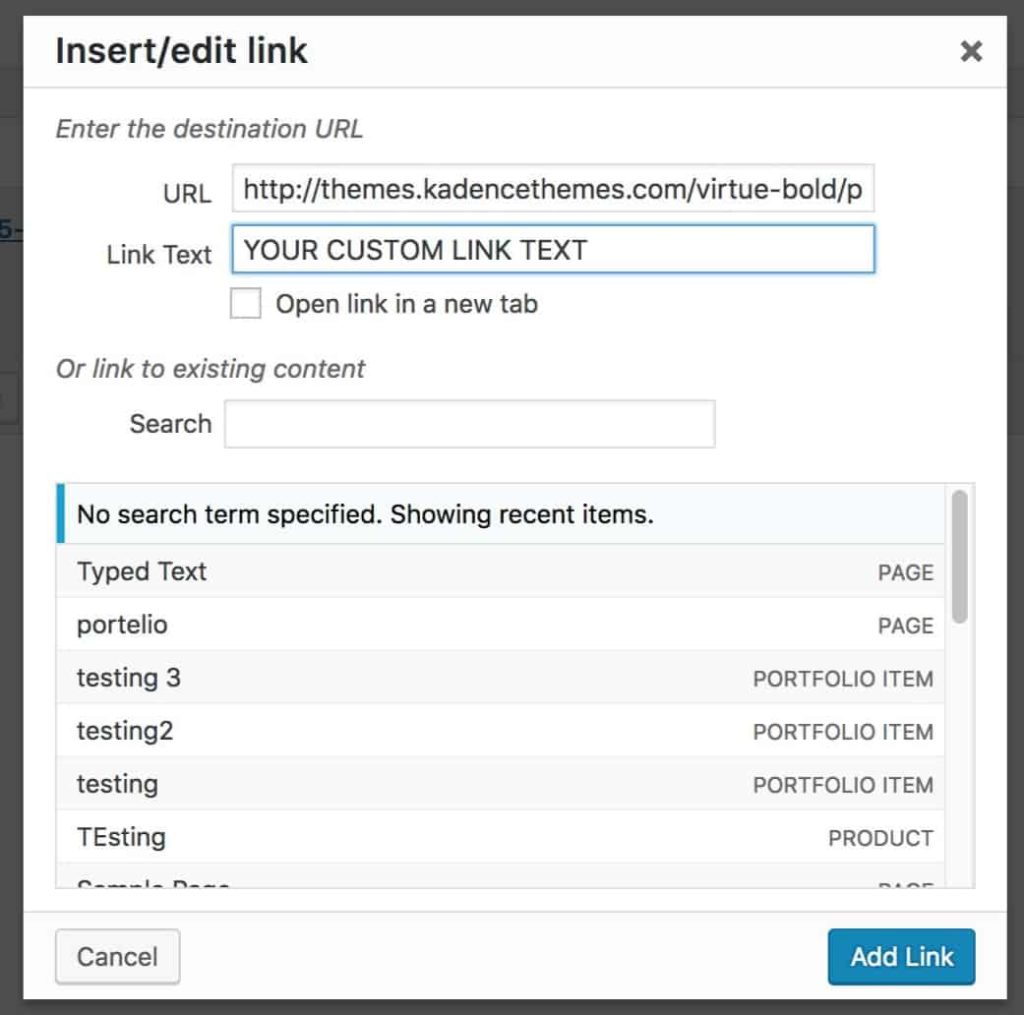
In the editor, your link should look like this:
<a href="http://themes.kadencethemes.com/virtue-bold/portfolio/big-surf">YOUR CUSTOM LINK TEXT</a>
Output on a page, your link should look like this:
Filed under
Uncategorized
Was this page helpful?
Thanks for the feedback!