

Kadence
Turn Off Uppercase Main Navigation Ascend Premium
Navigate to Theme Options> Menu Settings, and under “Primary Menu Options, find “Text Transform” to “none.”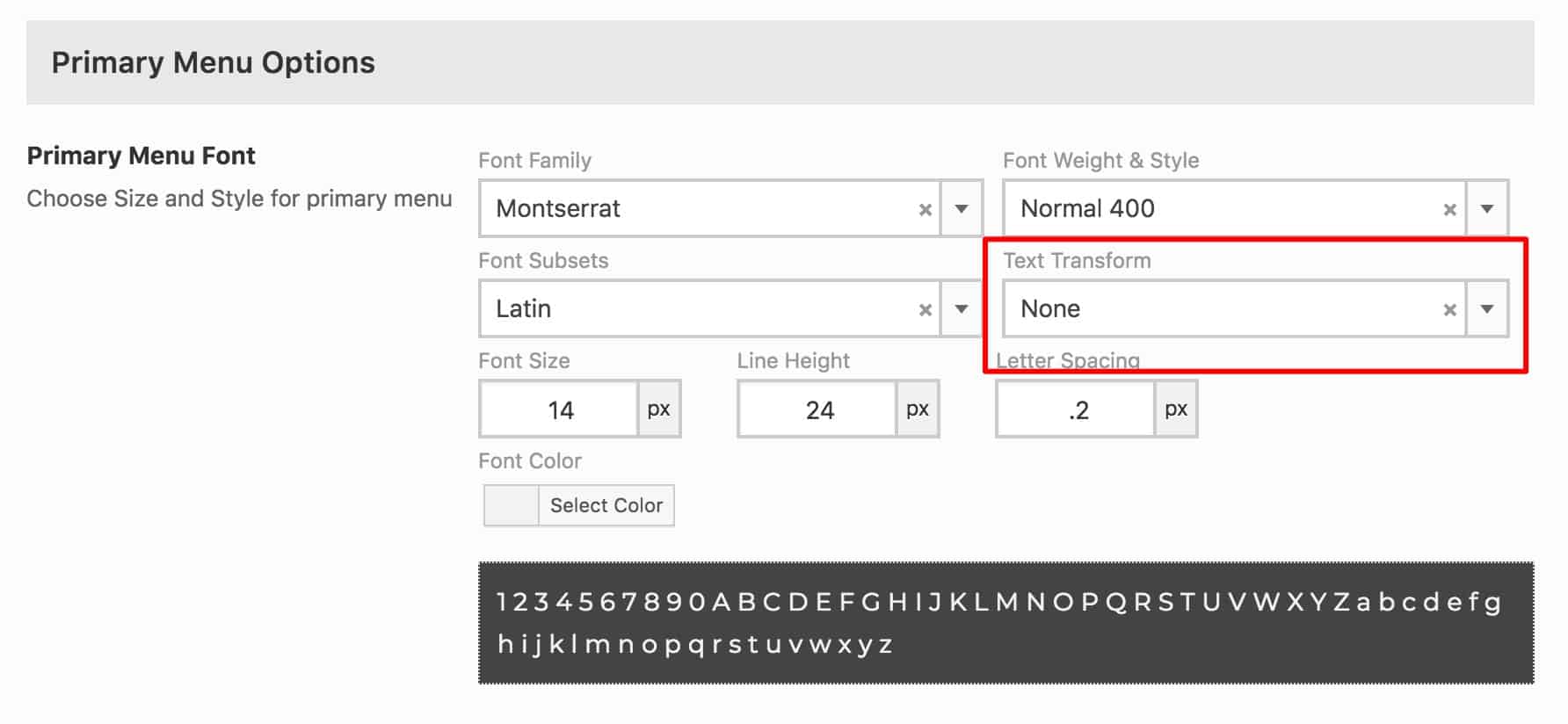
If using the free version of Ascend, add this CSS to Theme Options> Custom CSS:
[css].nav-main li a {
text-transform: none;
}[/css]
Filed under
Uncategorized
Was this page helpful?
Thanks for the feedback!