

Image Swap
How to Customize Your Image Swap Effect
Coming soon: Iconic Image Swap is becoming part of Kadence Shop Kit. You may see both names used while we update the product, documentation, and customer experience.
Now that you’ve set up your image swatch effect, you can customize it.
Login to your WordPress admin area and navigate to WooCommerce > Image Swap.
Next, click the Effect Settings tab.
Find the section which relates to the effect you chose. For example, if you chose the Slide effect, go to the Slide Settings section.
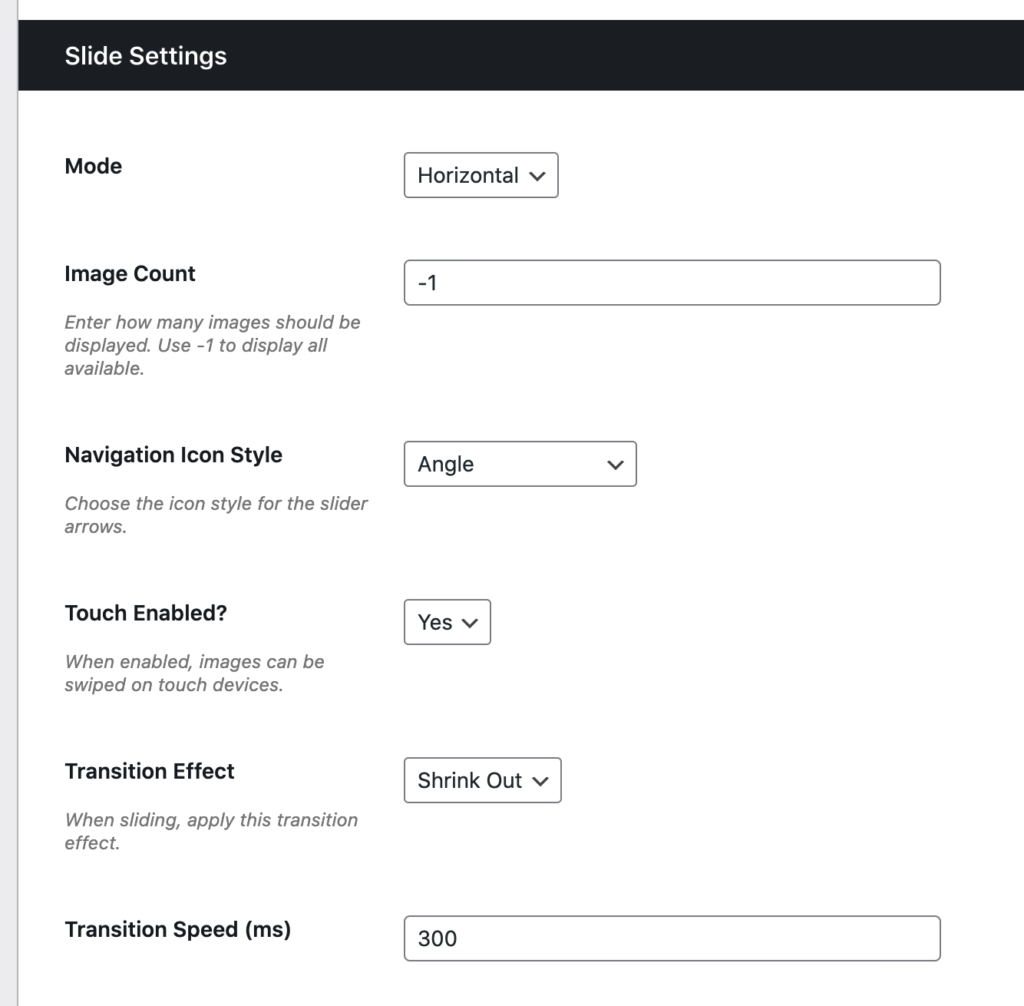
Customize your settings from the options available.
Now scroll to the bottom and click Save Changes.
Filed under
User Guides
Was this page helpful?
Thanks for the feedback!