

Kadence
Introducing Kadence Theme
What Is Kadence Theme?
Kadence Theme is a free, lightweight WordPress theme built for fast, accessible websites and the WordPress block editor. In short, it controls your whole site’s look from one place: the header, footer, page layouts, colors, and fonts. It’s also the base of a small set of Kadence tools that work together.
Alongside the theme, the free Kadence Blocks plugin adds page-building blocks to the editor, and the free Starter Templates plugin sets up a complete, ready-made site in a few clicks. Together, they let you build a professional site without a heavy page builder or custom code.
Why Use Kadence?
Fast Pages Without a Heavy Page Builder
Kadence builds pages in the WordPress block editor, so there’s no separate page builder to load on every page. Kadence Blocks loads CSS and JavaScript only for the blocks a page actually uses. The theme’s performance settings can also serve Google Fonts from your own server and preload them.
Design Once, Use It Everywhere
You set your colors and fonts once, in the global palette and typography settings. The theme, Kadence Blocks, and the Design Library’s patterns all use that same palette, so when you change a color, it changes across the whole site.
Start from a Finished Site
You don’t have to start with a blank page. You can import a complete Starter Template with its pages, menus, header, footer, and styles already in place, and then replace the sample text and images with your own.
Room to Grow
The free tools cover most business sites. The theme has built-in layout options for WooCommerce, LearnDash, and LifterLMS. When you need more, the Pro add-ons add features to the same settings screens instead of replacing them.
How the Kadence Ecosystem Fits Together
Kadence Theme: Site-Wide Layout and Global Styles
The theme controls everything that appears across your site. In Appearance -> Customize, you can:
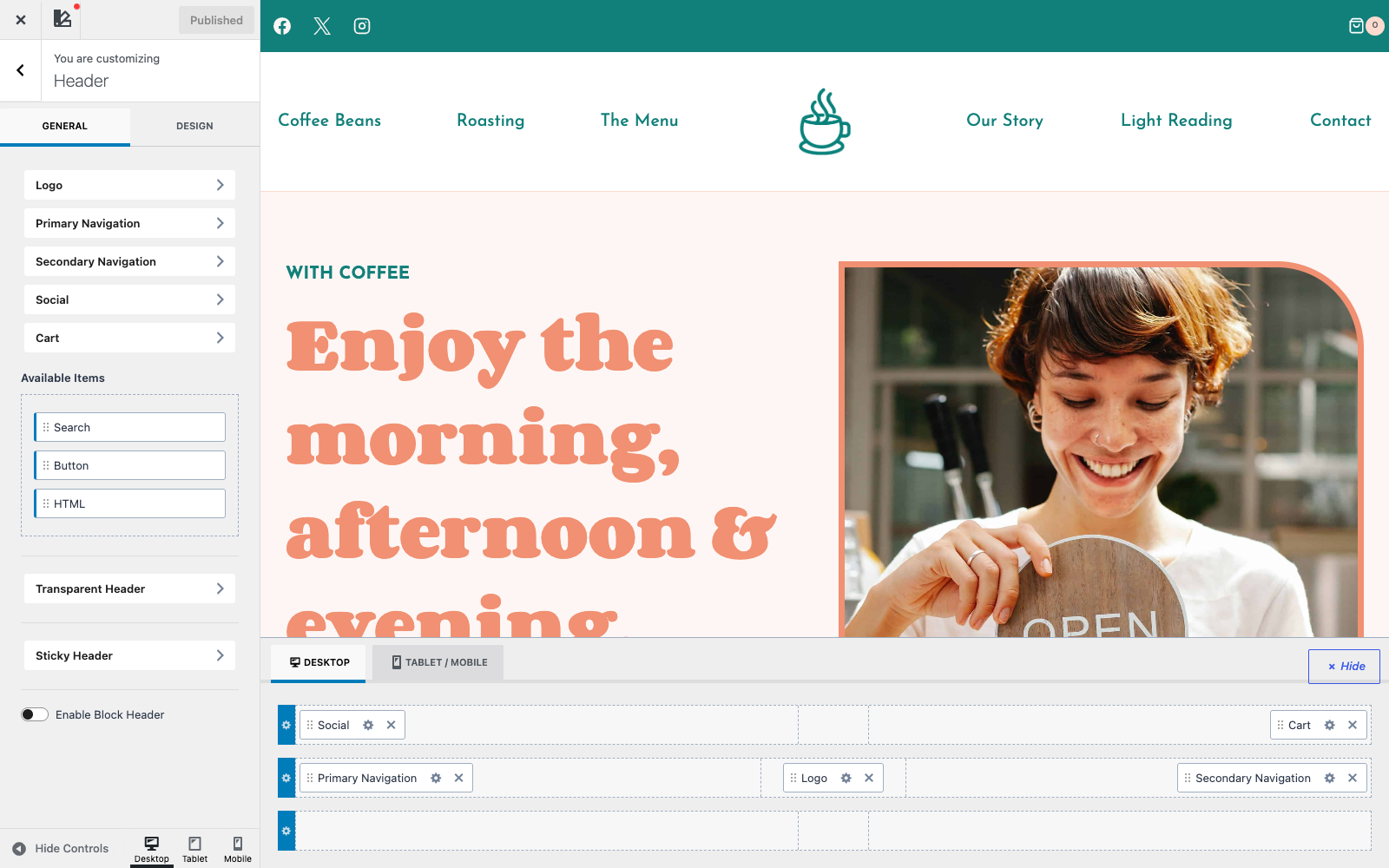
- Build the header and footer by dragging elements into rows. Elements include the logo, menus, social icons, search, a button, and the cart. Desktop has its own layout, and tablet and mobile share another.
- Make the header sticky, so it stays on screen as visitors scroll, or transparent over the top of the page.
- Set the global color palette and typography, including heading and body fonts from Google Fonts.
- Choose layouts for pages, posts, archives, and WooCommerce pages, such as the sidebar, content width, and page title style.
Note: Kadence Theme 1.6.0 adds an optional Full Site Editing (Alpha) mode, which is off by default. If you turn it on in Appearance > Kadence, you edit the header, footer, and templates in the Site Editor instead. Your Customizer settings stay saved, so you can switch back at any time.
Kadence Blocks: Page Layouts in the Block Editor
Kadence Blocks is a free plugin that adds a Kadence Blocks category to the block inserter. The Row Layout and Section blocks create columns and containers with backgrounds, spacing, and borders. Other blocks add accordions, tabs, galleries, icon lists, info boxes, testimonials, forms, countdowns, a table of contents, and more. Most settings can be different for desktop, tablet, and mobile.
The plugin also includes the Style Library (Kadence -> Style Library). There, you set colors, typography, spacing, borders, shadows, and block presets once, and every Kadence block can use them.
Starter Templates and the Design Library: Ready-Made Sites and Sections
Two libraries give you a head start:
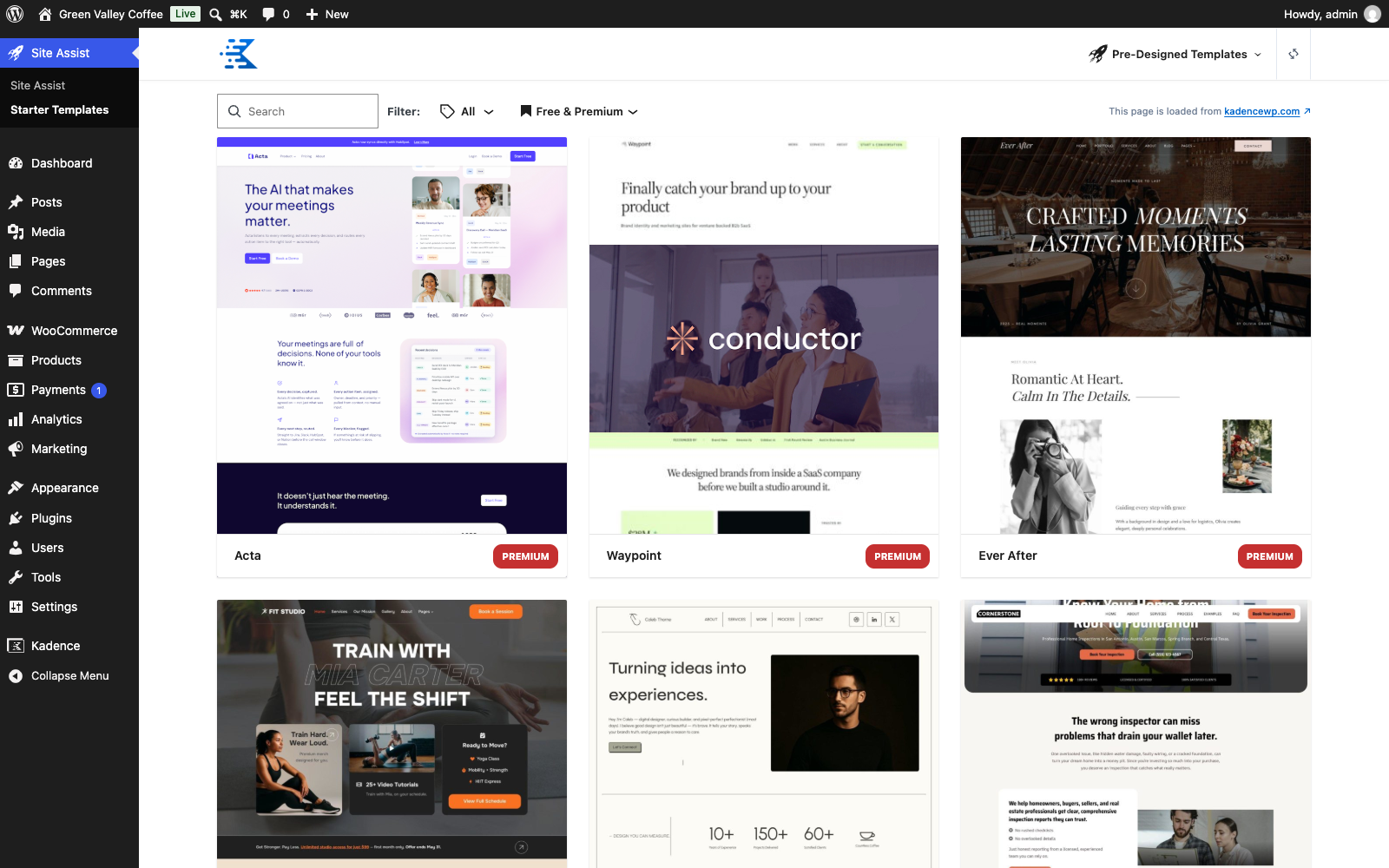
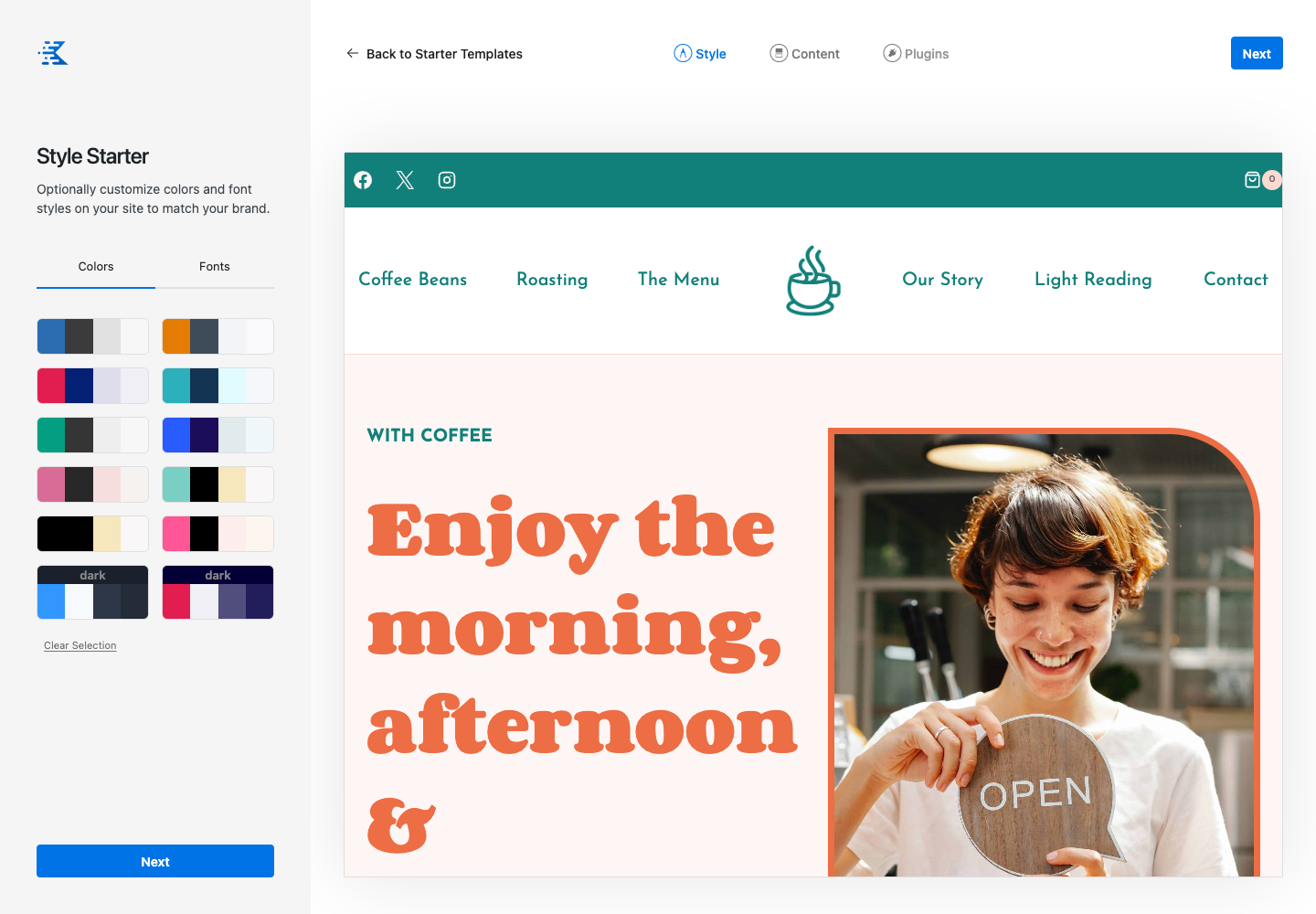
- Starter Templates (free Starter Templates plugin, under Site Assist -> Starter Templates) are complete website designs for businesses, shops, courses, nonprofits, and more. Before you import one, you preview it, pick a color palette and fonts, and choose which recommended plugins to install. The import adds the pages, menus, header, footer, and theme settings.
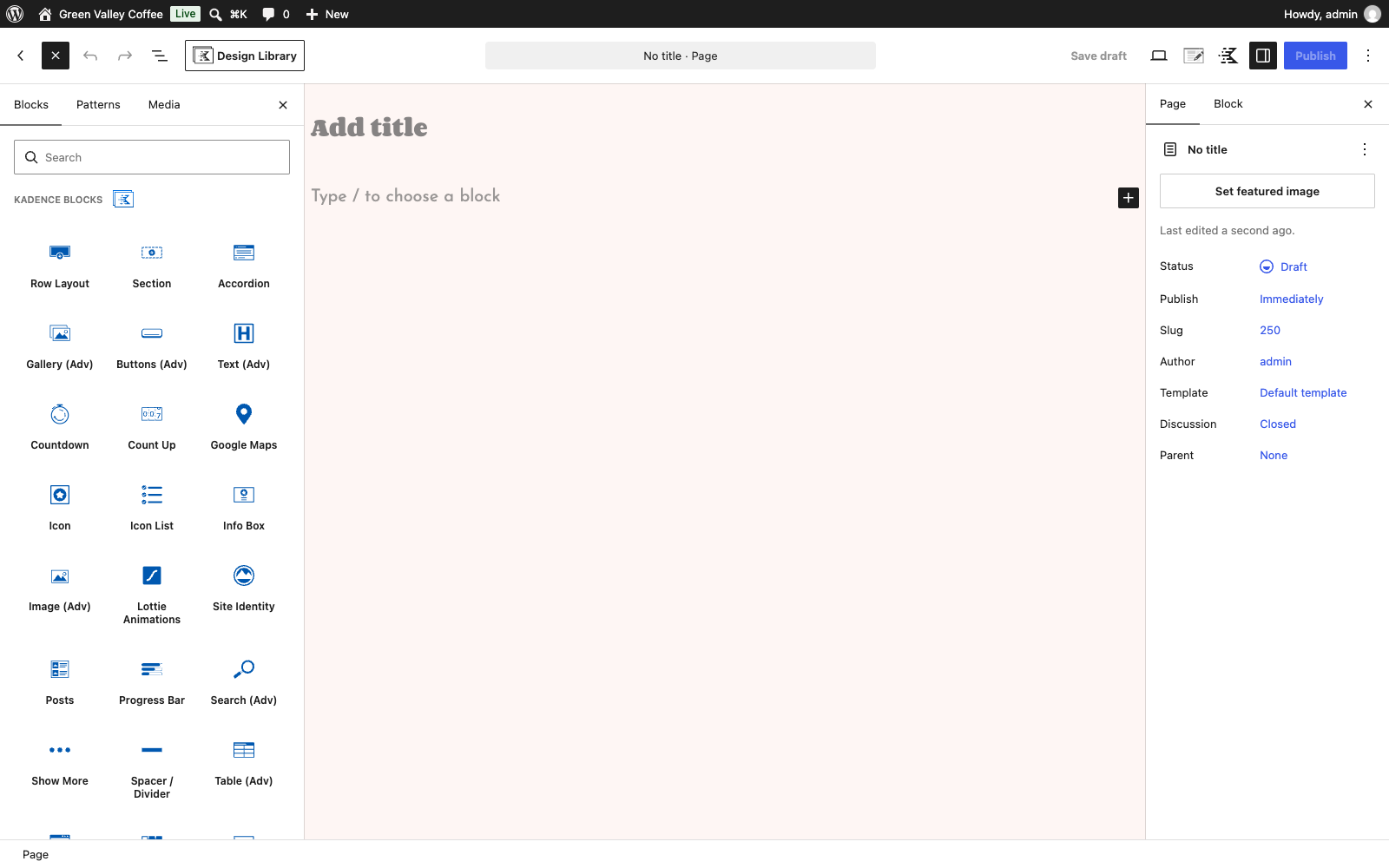
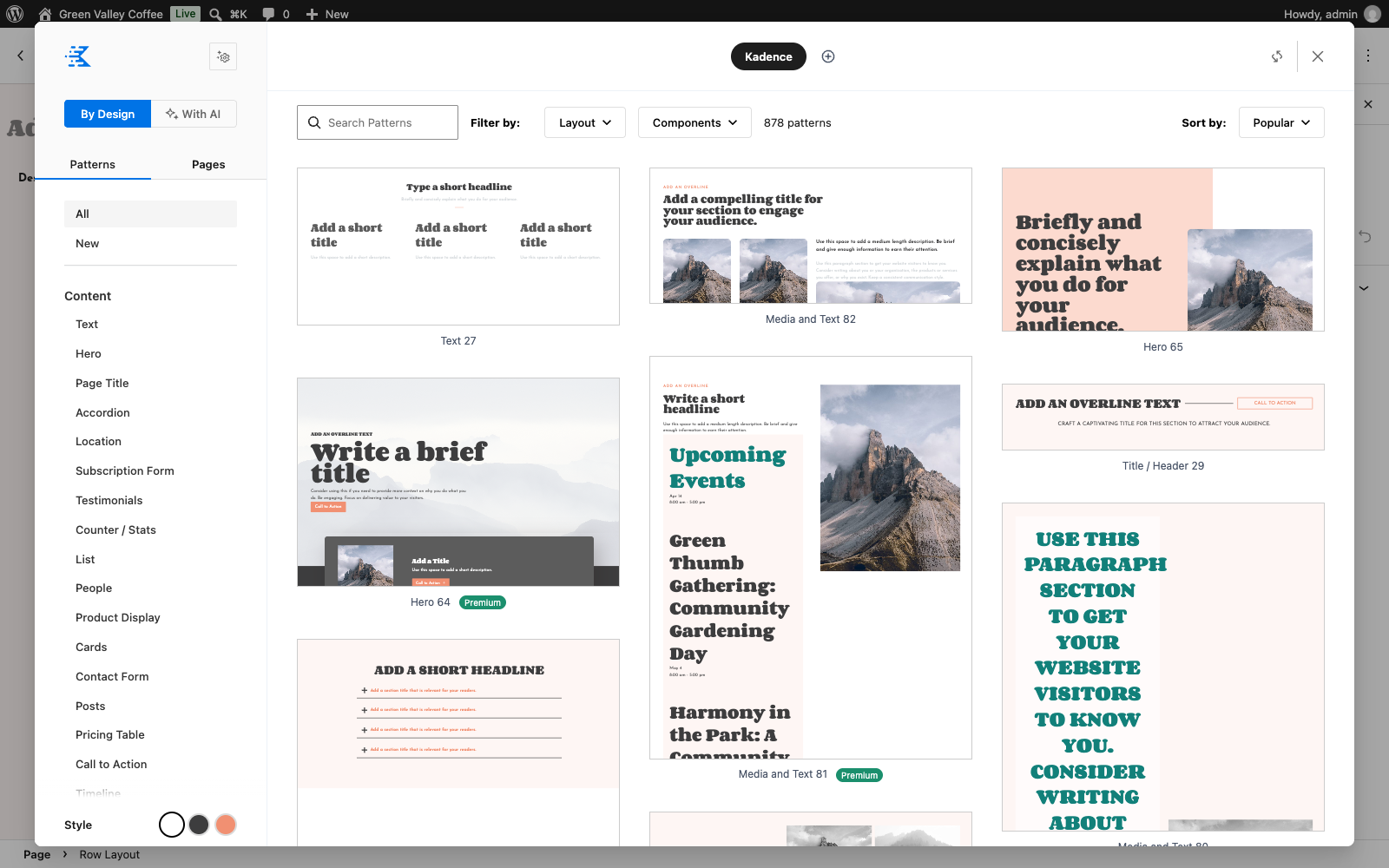
- The Design Library (part of Kadence Blocks, opened with the Design Library button at the top of the editor) has hundreds of patterns, such as heroes, pricing tables, testimonials, and contact forms, plus full page layouts. Patterns use your site’s palette and fonts, so they match the rest of the site as soon as you insert them.
Pro Add-ons
Two optional paid add-ons extend the free tools:
- Kadence Theme Kit Pro adds theme features that you turn on in Appearance -> Kadence. They include more header elements, conditional headers, mega menus, Hooked Elements for placing content anywhere on the site, WooCommerce add-ons, a dark mode palette switch, and maintenance mode.
- Kadence Blocks Pro adds more blocks, such as Advanced Slider, Modal, Image Overlay, Portfolio Grid, Post Grid, Product Carousel, and an advanced query loop with filters, plus dynamic content.
Starter Templates and Design Library patterns marked Premium need Kadence Creative Kit or the Pro add-ons.
Common Use Cases
Use Case 1: A Local Business Launches a Fast, Professional Site
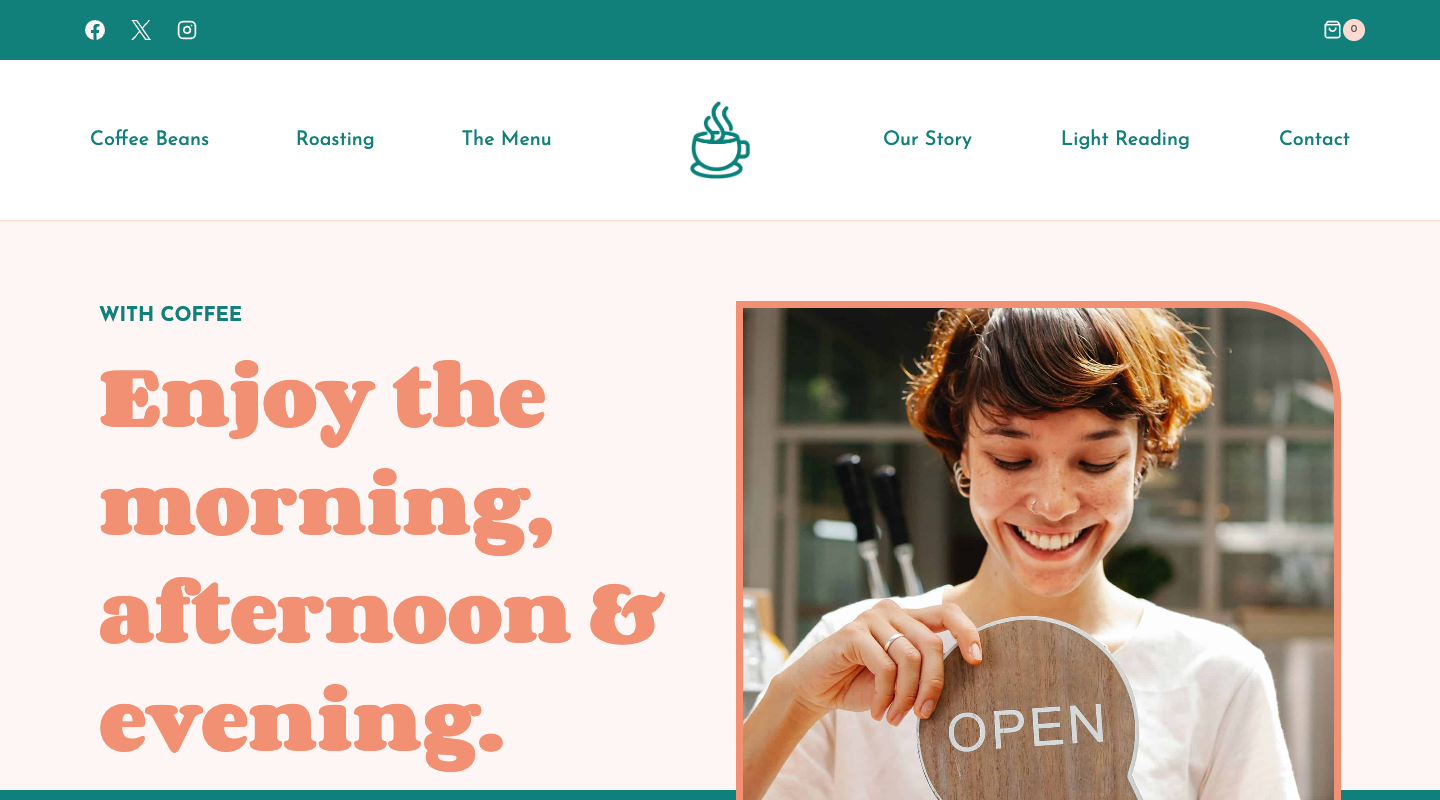
Scenario: A neighborhood coffee shop needs a website with a home page, its story, a menu, and contact details. It doesn’t have a developer, and most visitors will find it on their phones.
Solution: The owner picks a Starter Template close to the business, chooses colors and fonts in the Style step, and imports it. The site arrives with its pages, menus, header, and footer, so the only work left is replacing the sample text and photos in the block editor. Because Kadence uses the block editor and loads only what each page needs, the pages stay fast on mobile.
Use Case 2: An Online Store That Matches the Brand
Scenario: The coffee shop starts selling beans online. It wants the shop to look like the rest of its site, not like a default WooCommerce store.
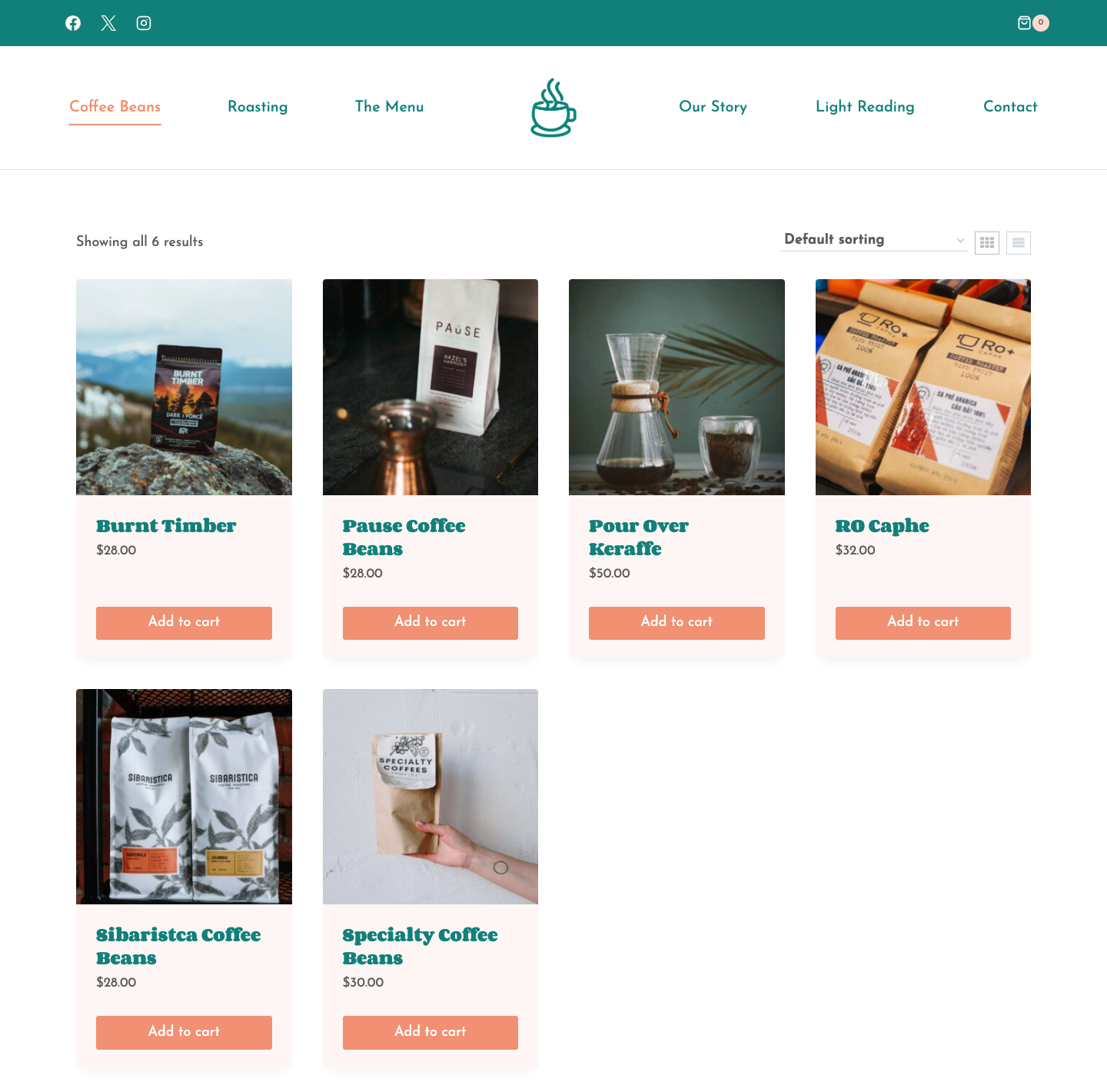
Solution: Kadence gives WooCommerce pages the same palette, fonts, and header as the rest of the site, and the header builder includes a cart. In the Customizer, the shop can choose layouts for the shop and product pages and add a grid/list view switch. It can also show a second product image on hover and add plus and minus buttons to quantity fields. Starter Templates that include a shop install WooCommerce and add sample products for you. Kadence Theme Kit Pro’s WooCommerce add-ons go further, with extras such as a sticky add-to-cart bar and an off-canvas filter sidebar.
Use Case 3: An Agency Reuses Its Design System on Every Client Site
Scenario: A web agency builds several client sites a month. It wants every site to start from the same tested building blocks, and it needs to rebrand each one quickly.
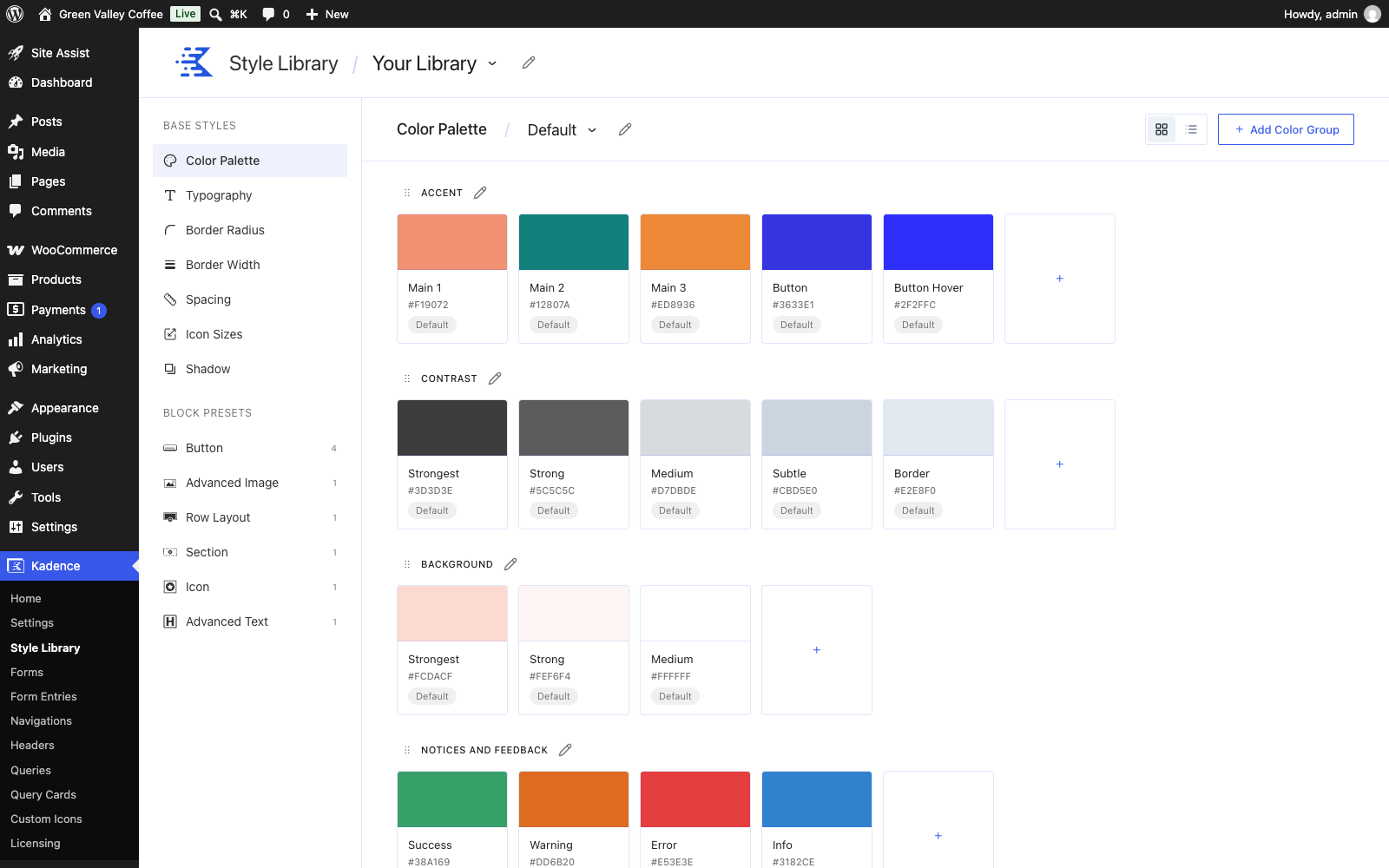
Solution: The agency defines its system once. The theme holds the global palette and typography. The Kadence Blocks Style Library holds the spacing, borders, shadows, and block presets, such as button and row styles. Every Kadence block and Design Library pattern uses these settings, so rebranding a client site is mostly a matter of changing the palette and fonts. The agency can also connect its own Pattern Hub library to the Design Library, so every client site can insert the agency’s own sections.
Pro Tip: Try a Starter Template on a Staging Site First
Importing a Starter Template overrides your theme settings and adds the template’s pages, menus, and sample content to your site. To try a design without changing a live site, import it on a new site or a staging copy first. When you’re happy with it, build your real pages from there.
Ready to Get Started?
To set up the theme and the blocks plugin, see our setup guides:
You might also find these articles helpful: