

Iconic
How to Clear The Image Cache
Coming soon: Iconic WooThumbs is becoming part of Kadence Shop Kit. You may see both names used while we update the product, documentation, and customer experience.
In order for WooThumbs to load your images quickly, the image data associated with a product is cached. This cache automatically updates when you save a product or variation, however, you can also clear it manually if you need to.
To clear the image cache, take the following steps:
- Go to WooCommerce > WooThumbs > Dashboard > Tools.
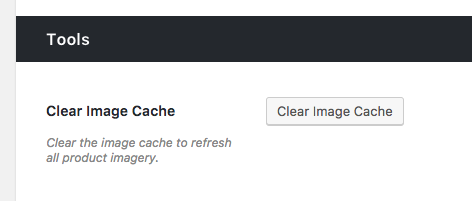
- Click Clear Image Cache.
- Your images will be cached again as soon as someone visits your website.
Filed under
Uncategorized
Was this page helpful?
Thanks for the feedback!