

Iconic
How to Use StellarPay With Flux Checkout
How to use the WooCommerce payment processor plugin StellarPay with Flux Checkout for WooCommerce, step-by-step.
Coming soon: Flux Checkout is becoming part of Kadence Shop Kit. You may see both names used while we update the product, documentation, and customer experience.
If you’re looking to use the payment processor plugin StellarPay with Flux Checkout for WooCommerce, this guide will walk you through the steps.
If you have Flux Checkout for WooCommerce installed, you can add the free payment processing plugin that works with Stripe, StellarPay, to your checkout with the click of a button.
To do this, take the following steps:
- From your WordPress dashboard, go to Flux Checkout and click the Integrations tab at the top of the page.
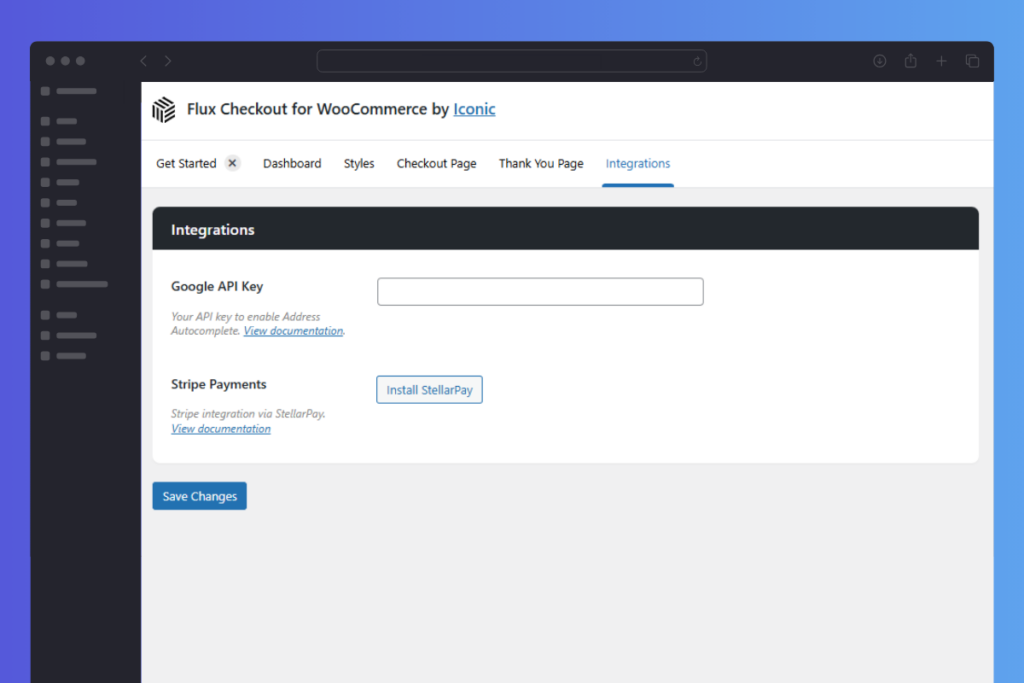
- Find the Stripe Payments section and click Install StellarPay.
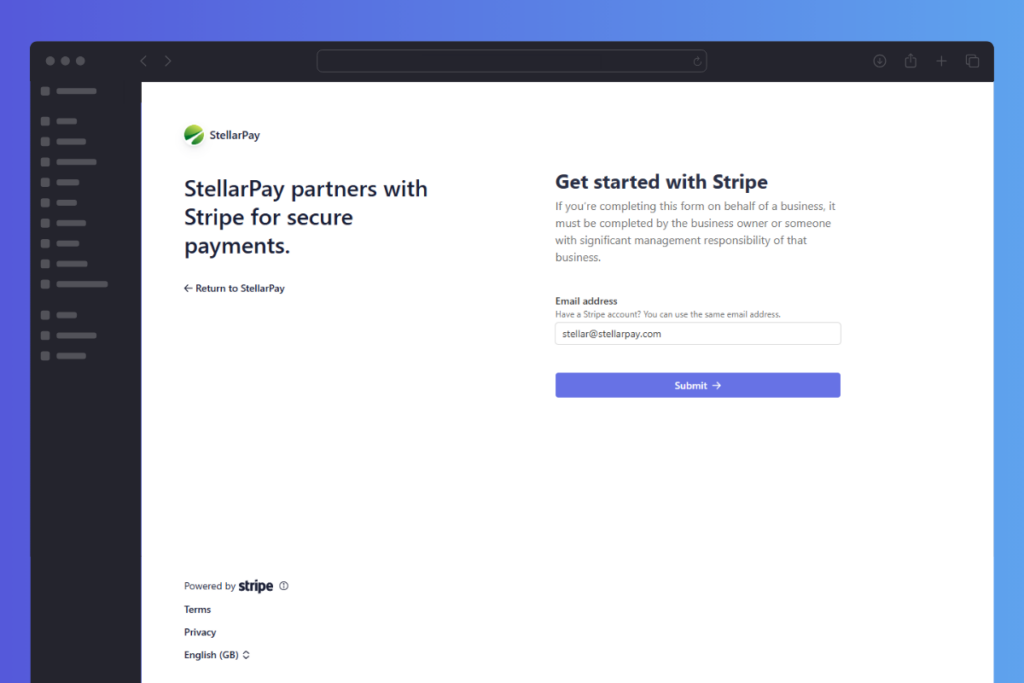
- Next, click Connect to Stripe and follow the setup instructions.

Once done, you’ll have StellarPay up and running with Flux Checkout for WooCommerce.
Filed under
Uncategorized
Was this page helpful?
Thanks for the feedback!