

Solid
SolidWP Licensing System
Coming soon: SolidWP is becoming Kadence. You may see both names used while we update the product, documentation, and customer experience.
License Your SolidWP Product
To activate licenses for your SolidWP products, log in to your WordPress site and visit Settings > SolidWP Licensing.
Activate your license for all your products in the Unlicensed Products section by entering your SolidWP username and password.
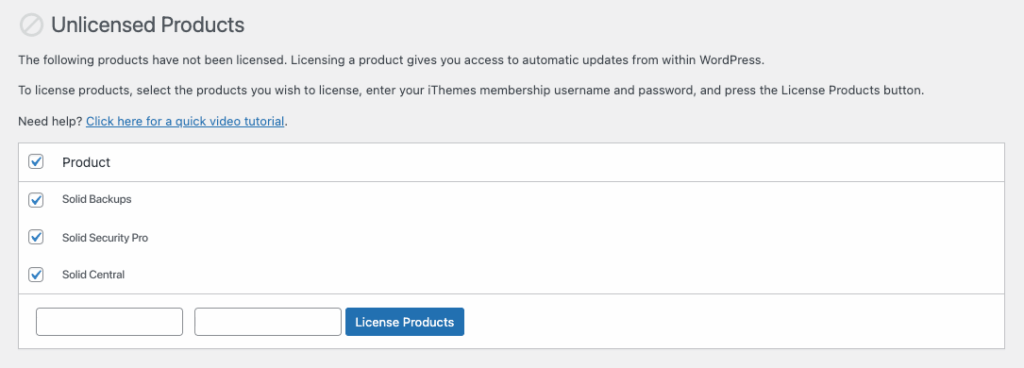
Once you’ve added licenses to your SolidWP products (if applicable), you’re ready to get started!
Remove a License from a SolidWP Product
Sign in to your WordPress site and navigate to Settings > SolidWP Licensing.
Select the product you would like to remove the license from.
Enter your SolidWP username and password and click Remove Licenses.
Filed under
Tutorials
Was this page helpful?
Thanks for the feedback!