How to migrate an email account with IMAP
- Create an email account for your former hosting provider within the new email client using IMAP.
- Create a separate account for your new account within the email client, also using IMAP.
- Update both accounts to ensure that each account contains all of the current emails.
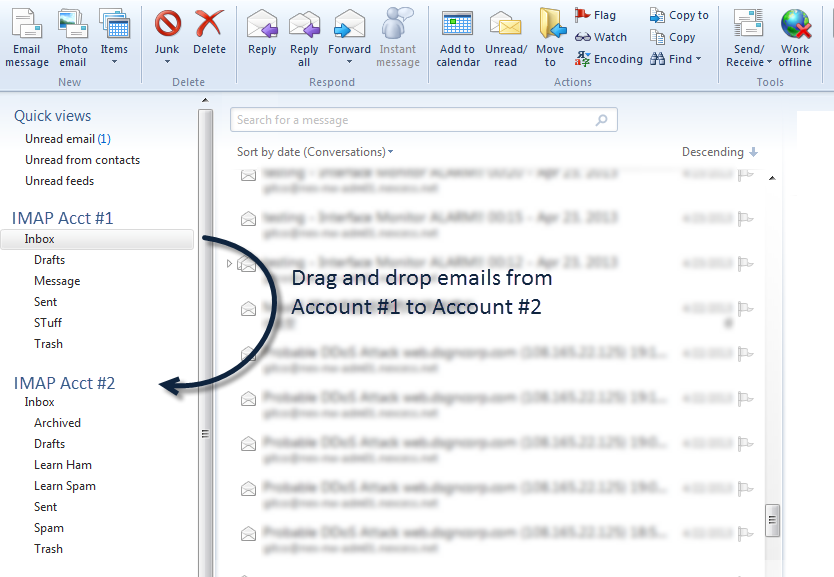
- Select all the emails and folders from IMAP Acct #1 Inbox and drag contents to IMAP Acct #2 Inbox.