Show Single Variations
Fix Add To Cart Button In Flatsome Theme
Coming soon: Iconic Show Single Variations is becoming part of Kadence Shop Kit. You may see both names used while we update the product, documentation, and customer experience.
If you’re using Flatsome and WooCommerce Show Single Variations together, you may have noticed a slight display issue when using the “product box” add to cart button placement: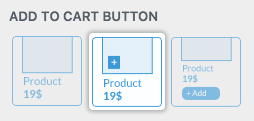
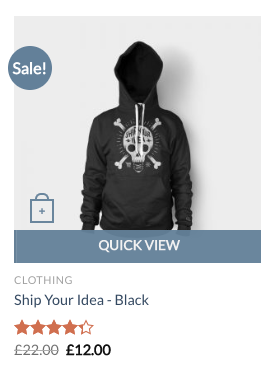
It probably looks something like this:
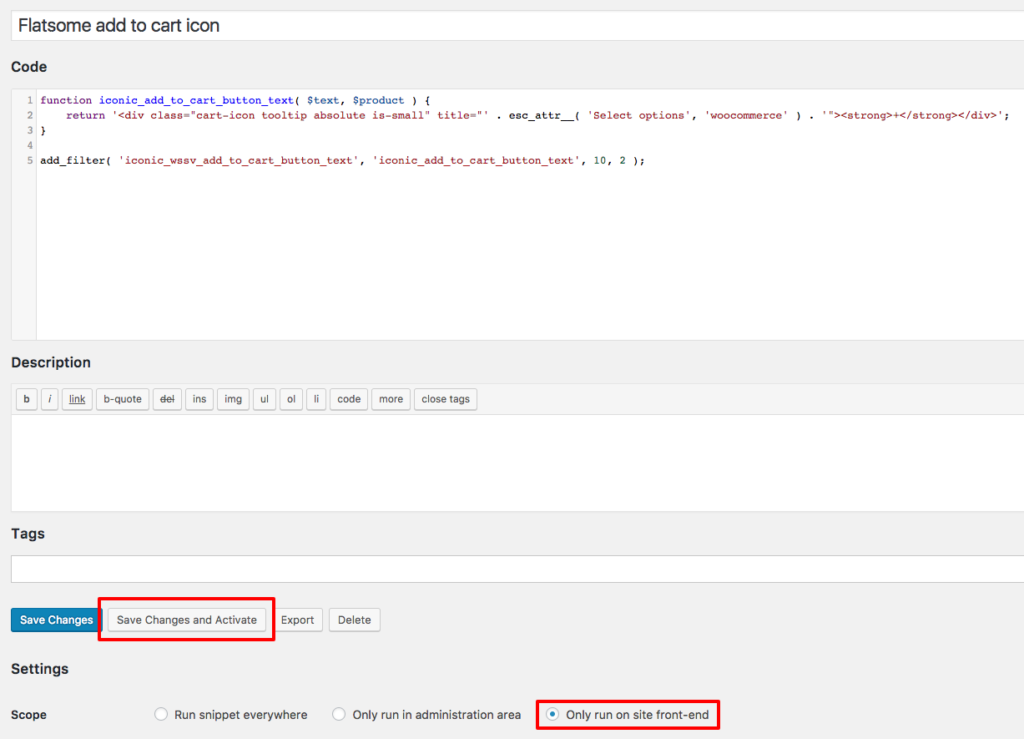
First of all, add the following code snippet:
function iconic_add_to_cart_button_text( $text, $product ) {
	return '<div class="cart-icon tooltip absolute is-small" title="' . esc_attr__( 'Select options', 'woocommerce' ) . '"><strong>+</strong></div>';
}

add_filter( 'iconic_wssv_add_to_cart_button_text', 'iconic_add_to_cart_button_text', 10, 2 );
Make sure to activate this on the frontend only, and that you click Save and Activate when you first save it using the Code Snippets plugin.
Almost there! We just need to add some CSS to mimic what the theme is doing for the other buttons:
Go to Appearance > Customize > Additional CSS and add the following code:
body .jck_wssv_add_to_cart {
	width: 0;
	margin: 0;
}
Click Save & Publish, and you’re good to go: