

Show Single Variations
Parent Product Is Visible Again In Translated Language
Coming soon: Iconic Show Single Variations is becoming part of Kadence Shop Kit. You may see both names used while we update the product, documentation, and customer experience.
You may find after updating a product or running the “Process Product Visibility” action that the parent products you’ve hidden from the catalog are now visible in the translated catalog pages.
This appears to be a bug with WPML, but it is possible to fix.
- Navigate to WooCommerce > WooCommerce Multilingual.
- Click Settings.
- Make sure Native WooCommerce product editing screen is checked under Product Translation Interface.

- Click Save.
- Go back to edit your variable product.
- Click to edit the translation.
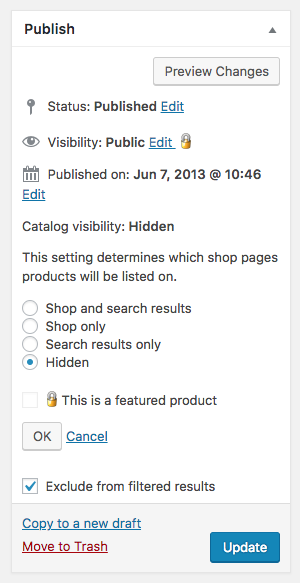
- Now you can set the visibility for the translated product.
Filed under
Uncategorized
Was this page helpful?
Thanks for the feedback!