

How to change an email account disk quota
- Log in to your SiteWorx account.
- If you do not know your password, click Forgot your password on the login page.
- From the SiteWorx main menu, click Hosting Features > Email > Mailboxes.
- In the Existing Email Boxes section, click Edit next to the desired email account .
- If the disk space quota is currently set to Unlimited, and you want to set a specific limit, clear Unlimited check box and type the desired value in megabytes in the text field.
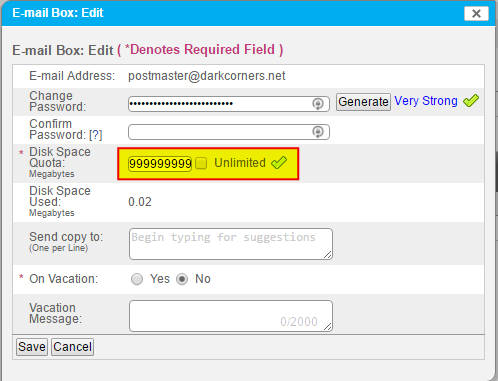
- Click Save.