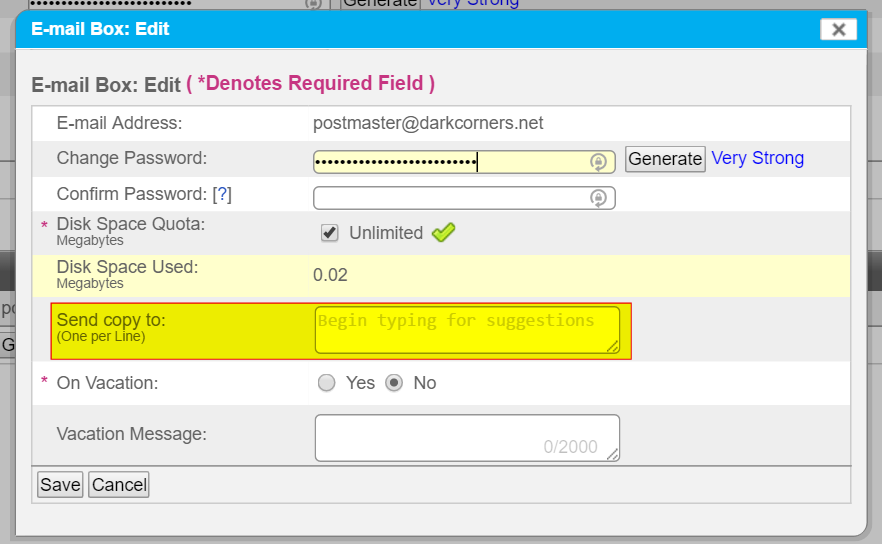
How to change the “Send Copy To” recipient
Step by step instructions
If you have an email account outside of your domain, this procedure will send a copy to any email sent to your domain’s email account.
- Log in to your SiteWorx account.
- If you do not know your password, click Forgot your password on the login page.
- From the SiteWorx main menu, click Hosting Features > Email > Mailboxes.
- From the Email Management page, click [Edit] next to the desired email account.
- In the Send copy to field, enter the target email address and click Save.