

The Events Calendar
Working with Past Events
When using The Events Calendar, you’ll inevitably accrue several past events. Depending on the needs of your website, you may decide to display these past events for your users to see.
The Events Calendar is set up to focus on current and upcoming events, and by default this is what the main calendar page will show, but the good news is that with a bit of thought, you’ll be able to display your past events for your users. (A note: the month view of our main calendar, by default, displays past events when it displays all events in the current month.)
There are a few different ways to do this, and we’ll show you how along with some other essential things to know about using past events with The Events Calendar.
Display your past events
You can find your past events on your site at https://yoursite.com/events/list/?eventDisplay=past
If you’d like to display your past events on your site, you can add a menu item in WordPress and link your site visitors to your past events directly.
If you have Events Calendar Pro, you can use the [tribe_events] shortcode to display your past events using a past date.
Please Note: the past events parameter for shortcodes is only available for Month view, as that article mentions as well.
You can also show past events in reverse order using the snippet provided in this Knowledgebase article.
Importing Past Events
If you’d like to import past events using our Event Aggregator service, by default, these events won’t import. However, if you specify a date parameter, you will be able to get all of your past events imported onto your WordPress site alongside your other events.
Learn more about importing your events in this Knowledgebase article.
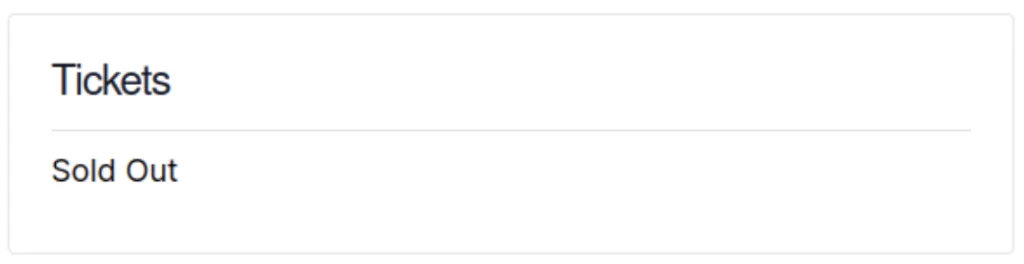
Showing “Sold Out” for Past Events
This snippet changes the Ticket and RSVP displays to show “Sold Out” when an event is in the past.
Add this snippet to your child theme’s functions.php file or via a Code snippets plugin.
/**
 * Show "Sold Out" instead of the ticket message and the price for past events.
 */

/**
 * Replaces "Tickets are no longer available" with "Sold Out".
 *
 * @param string $translation The translated text.
 * @param string $text        The text to translate.
 * @param string $domain      The domain slug of the translated text.
 *
 * @return string The translated text or the custom text.
 */
add_filter( 'gettext', 'tribe_change_get_tickets', 20, 3 );
function tribe_change_get_tickets( $translation, $text, $domain ) {
	if ( 'default' !== $domain && 0 !== strpos( $domain, 'event-' ) ) {
		return $translation;
	}

	$ticket_text = [
		'%s are no longer available'  => 'Sold Out',
		'%s are no longer available.' => 'Sold Out',
	];

	if ( empty( $ticket_text[ $text ] ) ) {
		return $translation;
	}

	return $ticket_text[ $text ];
}

/**
 * Shows "Sold Out" instead of the price for tickets or an RSVP.
 *
 * @param string $cost    The formatted event cost.
 * @param int    $post_id The event ID.
 *
 * @return string The cost or "Sold Out".
 */
add_filter( 'tribe_get_cost', 'tribe_past_event_sold_out_cost', 10, 2 );
function tribe_past_event_sold_out_cost( $cost, $post_id ) {
	if ( ! $cost || ! tribe_is_past_event( $post_id ) ) {
		return $cost;
	}

	if ( ! Tribe__Tickets__Tickets::get_event_tickets( $post_id ) ) {
		return $cost;
	}

	return 'Sold Out';
}
Notes
- Originally written in November 2018, updated October 2026
- Tested with Event Tickets 5.30.2
- Author: András Guseo
Disclaimer
As with all of our recipes, please note that we share this in the hope it will be useful, but without any guarantees or commitments. If you wish to use it, it is your responsibility to test it first of all and adapt it to your needs (or find someone who can do so on your behalf). We are unable to provide further support in relation to this recipe.
Snippets reviewed and updated October 2026