

The Events Calendar
Customizing Related Events
The “Related Events” feature in The Events Calendar plugin is a valuable tool that automatically displays a selection of events related to the one currently being viewed. This feature enhances user engagement by suggesting additional events that match the visitor’s interests, thereby increasing the likelihood of prolonged site interaction and event attendance.
Showcasing events with similar themes, categories, or locations helps users discover more of what they are interested in without needing to perform additional searches. Additionally, this feature is beneficial for internal linking for SEO, as it creates more interconnected pages within your site, improving navigation and potentially boosting your site’s search engine rankings.
This improves the user experience and helps event organizers promote a more comprehensive range of events, potentially boosting attendance and participation across the board.
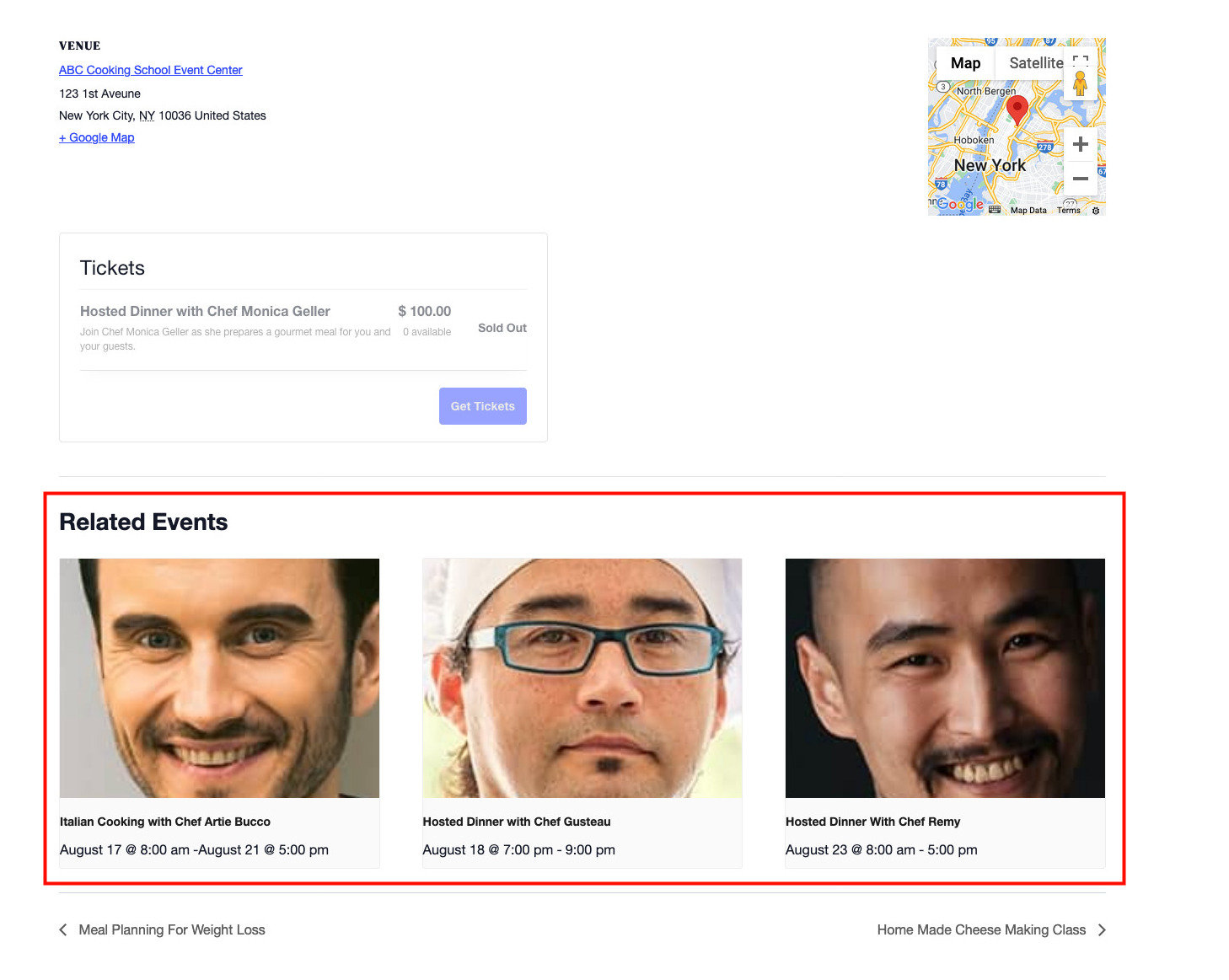
Change the Number of Related Events Displayed
By default, the related events section will display three events, but that quantity can be modified by using the following PHP snippet:
function tribe_related_posts_args_limiter ( $args = array() ) {
$args['posts_per_page'] = 5; // Change this to whatever number you'd like.
return $args;
}
add_filter( 'tribe_related_posts_args', 'tribe_related_posts_args_limiter', 10, 1 );
The code above customizes the quantity to 5, but you can specify any number.
Show Related Events at the Same Venue
The Related Events feature of Events Calendar Pro allows you to display additional upcoming events on your single events pages, based on the event category. If you’re not using event categories or simply find it more useful to show your users other events happening at the same venue, this snippet is here to help!
function tribe_modify_related_posts_args ( $args ) {
	$venue_id = tribe_get_venue_id();
	if ( $venue_id ) {
		unset( $args['tax_query'] );
		$args['meta_query'] = [
			'relation' => 'AND',
			[
				'key' => '_EventVenueID',
				'value' => $venue_id,
				'compare' => '=',
			]
		];
	}
	return $args;
}
add_filter( 'tribe_related_posts_args', 'tribe_modify_related_posts_args' );
Add this to the functions.php file of your child theme, and voila! Your Related Events section will now display upcoming events by venue.
For Developers
Snippets reviewed and updated October 2026