

The Events Calendar
Finding Order Invoices
If you’ve purchased a premium plugin from us and need an invoice, we’ve got you covered. First, go to your account page and Account Details screen in your account. Scroll down to the Transaction History section and find the transaction for which you need the invoice. Once you’ve found the transaction, click on the three dots next to it and select Invoice from the dropdown menu.

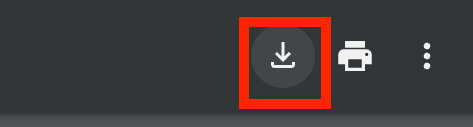
The invoice will open in a new tab. You can then download it by using the Download button. The appearance and location of the download option may vary depending on your browser.
Adding a VAT number
If you need a specific VAT number to appear on your invoice, you can add it under Payment Methods > Edit Address >VAT number on your Account page.

Filed under
Accounts & Billing
Was this page helpful?
Thanks for the feedback!