

LearnDash
LearnDash Cloud Billing
Where do I download my invoice?
A copy of the invoice was emailed to you immediately after purchase. You may also download the invoice and manage your billing and license info at any time by following these steps:
- Go to https://account.learndash.com and select Subscriptions
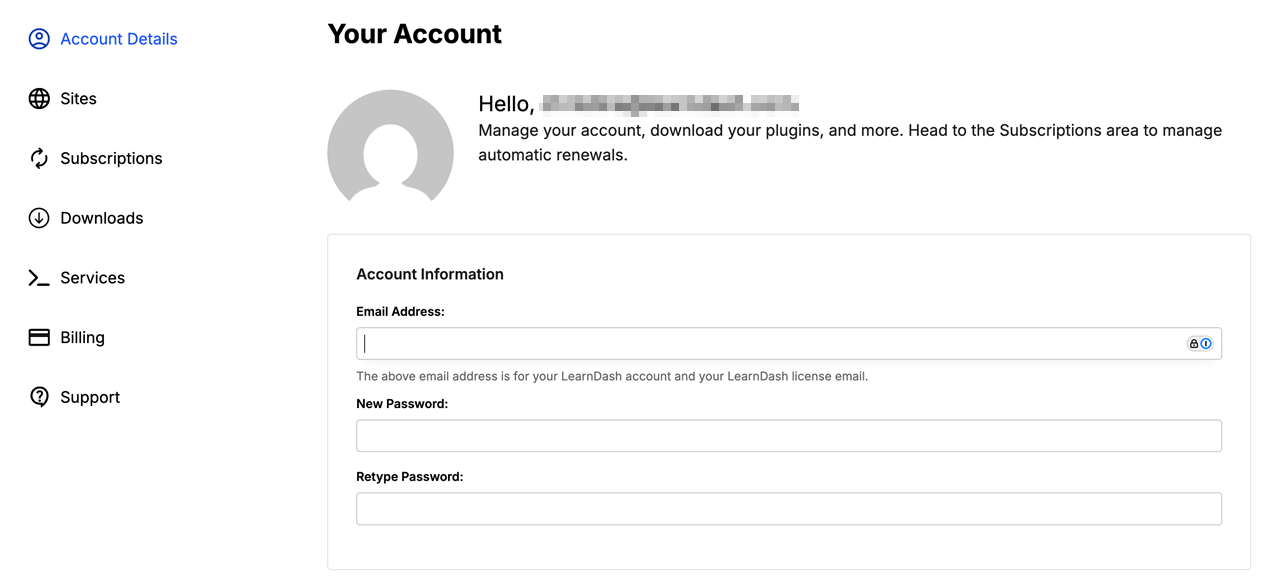
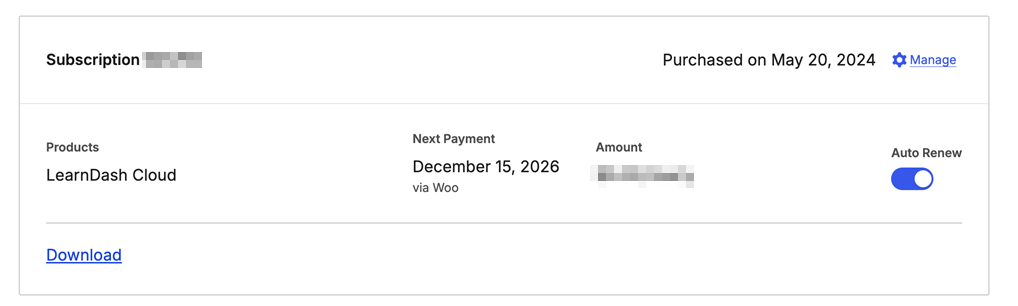
- Go to the Subscriptions tab, locate the subscription in question, and select the Manage gear icon
- Under Order History, select the Download link.

If you have trouble accessing the Account Portal, you can request a new password.
Are renewals billed automatically?
Yes. LearnDash Cloud automatically renews annually on your initial purchase date to maintain uninterrupted hosting, product support, and platform updates.
Can I cancel my auto-renewal?
If you don’t want your license to renew automatically, go to your Account page, open the Subscriptions tab, click the gear icon (Manage), and switch off the Auto-Renew toggle.
Does cancelling my subscription initiate a refund?
No. Cancelling your subscription from your Account Portal does not trigger a refund for your purchase; it simply turns off auto-renewal for your license. Your license is still active until your license expiration date.
If your purchase is still eligible for a refund, then you may submit a refund request.
Can I update my payment method?
Yes. You can update your payment method from the Billing tab section within your Account Portal by selecting Add Payment Methods.

Contact us if you are unable to change your payment method this way.
Do you offer refunds?
Yes. We will be happy to offer a refund within 30 days of your initial purchase should you decide that LearnDash Cloud does not meet your project’s needs. If you would like to pursue a refund, please contact Support. In the support form dropdown labeled: “What can we help you with?” choose the option: I need help with my account, license, purchase, or refund.
NOTE: By purchasing LearnDash Cloud, you agree to the terms & conditions.