

Restrict Content Pro
WP Job Manager – Limiting Job Submissions
Coming soon: Restrict Content Pro is becoming Kadence Memberships. You may see both names used while we update the product, documentation, and customer experience.
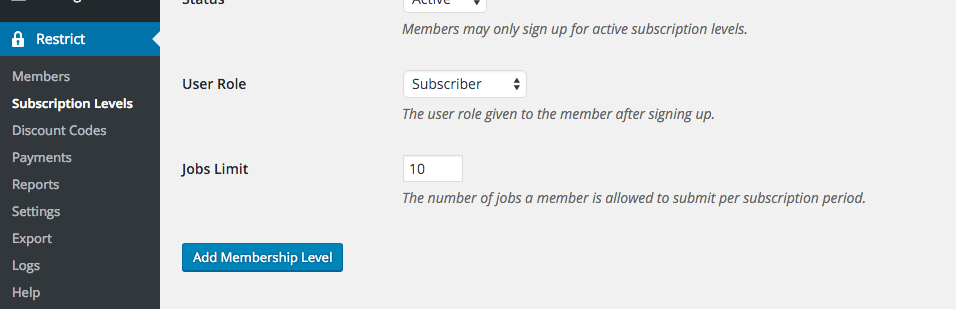
If you wish to limit the number of jobs a subscriber can submit per billing period, that limit may be set from the subscription level creation/edit screen.
To set the limit, navigate to Restrict > Subscription Levels and click Edit on the level you wish to set a limit for. Enter the maximum number of jobs a member is permitted to submit per billing period in the Jobs Limit field:
The submission limit will reset each time a member’s account is renewed.
Have more questions? Submit a request
Filed under
Add-ons
Was this page helpful?
Thanks for the feedback!